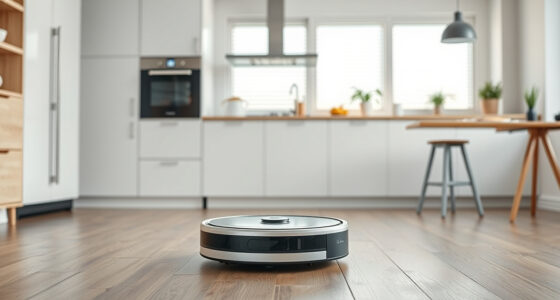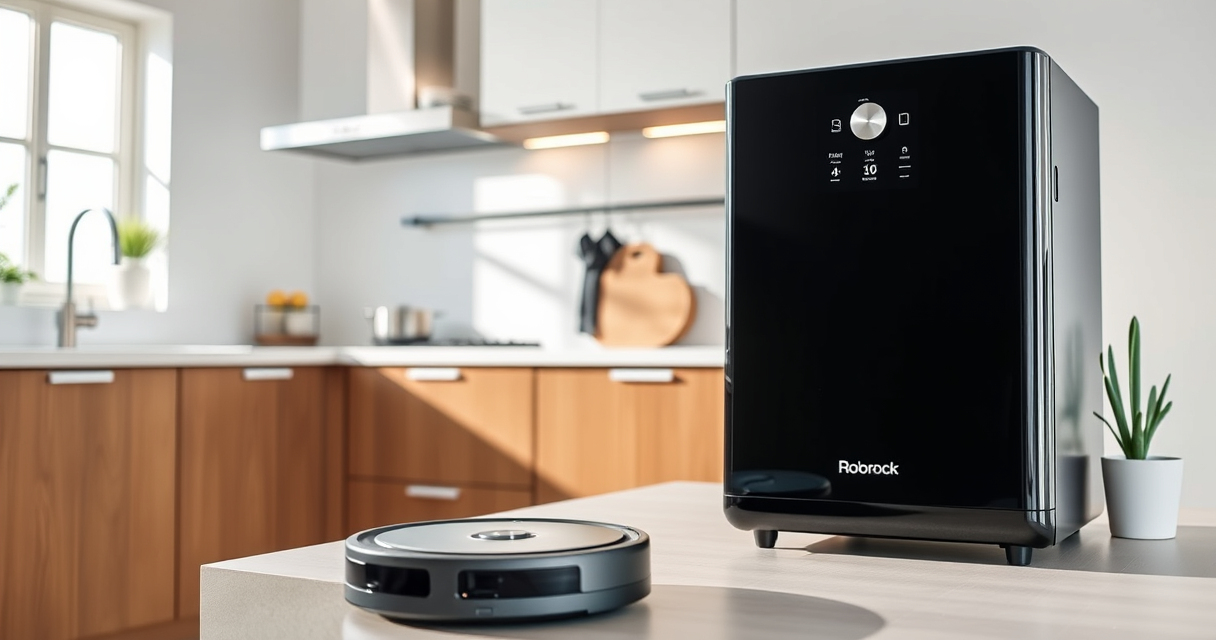
If your Roborock Q10 S5+ Robot Vacuum and Mop isn’t mopping as expected, it can be frustrating. Several factors may cause this issue, from misconfigured settings to hardware problems. This guide walks you through practical, step-by-step solutions to get your mop back in action efficiently and safely.

Get cleaning gear delivered free with Prime
- Fast, free delivery on millions of items
- Prime Video, Amazon Music and more included
- Member-only deals all year
Before starting, ensure your device is fully charged, the mop cloth is properly attached, and the settings are correctly configured for mopping. Addressing these common issues can often resolve the problem without the need for technical support.
Key Takeaways
| Check Mop Cloth & Attachments | Ensure the mop cloth is correctly installed and not dirty or damaged. |
| Verify Mopping Settings | Make sure mopping mode is enabled in the app or device controls. |
| Inspect Water Tank & Level | Confirm the water tank has enough water and is properly fitted. |
| Update Firmware & App | Keep your device firmware and app up to date for optimal performance. |
| Perform Hardware Checks | Look for any physical damage or obstructions blocking mopping components. |
Step 1: Confirm Mopping Mode is Activated
- Open the Roborock app or control panel on your device.
- Navigate to cleaning settings and verify that “Mopping” is enabled.
- Ensure the robot is set to “Mop” mode during the cleaning cycle.
Step 2: Check and Attach the Mop Cloth Properly
- Power off the robot and remove the main cleaning module.
- Inspect the mop cloth for dirt, tears, or detachment.
- Align the mop cloth correctly onto the mop pad, ensuring it is snug and secured.
- Reinstall the module securely onto the robot.
Step 3: Inspect Water Tank & Water Flow
- Remove the water tank and check for sufficient water level.
- Refill if necessary, ensuring the tank is seated correctly.
- Look for blockages in the water outlet or tubes.
Step 4: Check for Firmware and App Updates
- Open the Roborock app and connect to your device.
- Navigate to device settings and check for available software updates.
- Install any pending updates, then restart the robot.
Step 5: Conduct Hardware Inspection
- Look for physical obstructions or tangled hair around the mopping system.
- Clean the sensors and water outlet areas gently.
- If issues persist, consider contacting support or replacing worn parts.
The Products in This Guide

roborock Q10 S5+ Robot Vacuum and Mop
- ✔ Model: Q10 S5+
- ✔ Battery Life: Variable
- ✔ Water Tank Capacity: Appropriate for large homes

4 Pack Washable Filter
- ✔ Pack Size: 4 filters
- ✔ Material: HEPA
- ✔ Compatibility: Multiple Roborock models
roborock Q10 S5+ Robot Vacuum and Mop
The Roborock Q10 S5+ offers powerful 10,000 Pa suction, dual anti-tangle design, and sonic mopping. Its self-emptying station reduces maintenance and ensures continuous cleaning. Proper setup and regular checks will keep your floors spotless.
Pros:
- Powerful 10,000 Pa suction
- Self-emptying station with 70-day capacity
- Obstacle avoidance technology
- Dual anti-tangle brush system
Cons:
- Complex setup for first-time users
- Water tank capacity may require refilling during long sessions
- Higher price point
Best for: Pet owners and busy households seeking low-maintenance cleaning
Not ideal for: Users looking for a budget-friendly robot or with very small cleaning spaces
Bottom line: Roborock Q10 S5+ combines power, convenience, and advanced features for comprehensive cleaning.
4 Pack Washable Filter
This 4-pack washable filter set fits various Roborock models including Q7, Q8 Max, and Q5 Pro, ensuring your vacuum maintains strong suction and clean air quality over time.
Pros:
- Compatible with multiple models
- Washable and reusable
- Maintains high filtration efficiency
- Easy to install
Cons:
- Not OEM, so check fitment
- Requires regular cleaning for optimal performance
- Filters may wear out after many washes
Best for: Owners wanting to reduce filter costs and improve filtration
Not ideal for: Users with uncompatible models or seeking OEM parts
Bottom line: A cost-effective, washable filter keeps your Roborock performing at its best.
Frequently Asked Questions
Why isn’t my Roborock Q10 S5+ mopping?
Common causes include improper mop attachment, mode settings turned off, water tank issues, or firmware needing updates. Follow the troubleshooting steps above to resolve these issues.
How often should I replace or wash the mop cloth?
It is recommended to wash the microfiber mop cloth every 1-3 months, depending on usage, to maintain optimal cleaning performance.
Can I use third-party accessories with my Roborock?
Yes, but ensure they are compatible and of good quality to avoid damaging your device or affecting performance.
What should I do if my robot still doesn’t mop after troubleshooting?
If issues persist, contact Roborock support or a professional technician for assistance. Hardware issues may require repair or replacement.
Get Your Roborock Mopping Again
By following these troubleshooting steps, you can often resolve common issues causing your Roborock Q10 S5+ not to mop. Regular maintenance, proper setup, and staying updated with firmware will help keep your robot performing at its best. Enjoy spotless floors with minimal effort!
Affiliate disclosure: As an Amazon Associate we earn from qualifying purchases. Prices and availability are accurate as of the time of publishing.
Fall Picks
fall essentials
As an affiliate, we earn on qualifying purchases.