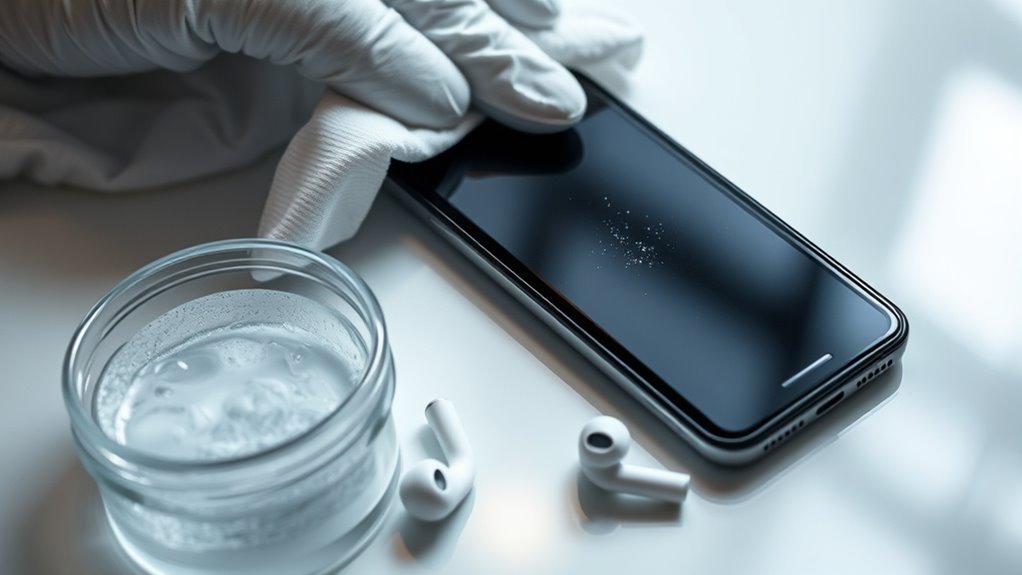

To clean your phone and electronics safely, turn off your devices first. Use a microfiber cloth dampened with water or a screen-cleaning solution to gently wipe screens in circular motions, avoiding excess moisture. For keyboards and hard-to-reach areas, use compressed air and a soft brush or toothpick. Wipe exterior surfaces with a slightly damp cloth, ensuring no liquid seeps inside. Following these tips helps preserve your devices’ longevity and performance—keep going for more helpful advice.

Get cleaning gear delivered free — and shop member deals
- Fast, free delivery on millions of items
- Access to Prime Big Deal Days deals on October 6–7
- Prime Video, Amazon Music and more included
Key Takeaways
- Turn off devices before cleaning to prevent accidental inputs and damage.
- Use a microfiber cloth dampened with water or screen-cleaning solution for screens.
- Blow out dust from keyboards and ports with compressed air, holding the can upright.
- Wipe exterior surfaces with a slightly damp cloth, avoiding excess moisture and liquid ingress.
- Avoid spraying liquids directly and use gentle, circular motions for effective cleaning.
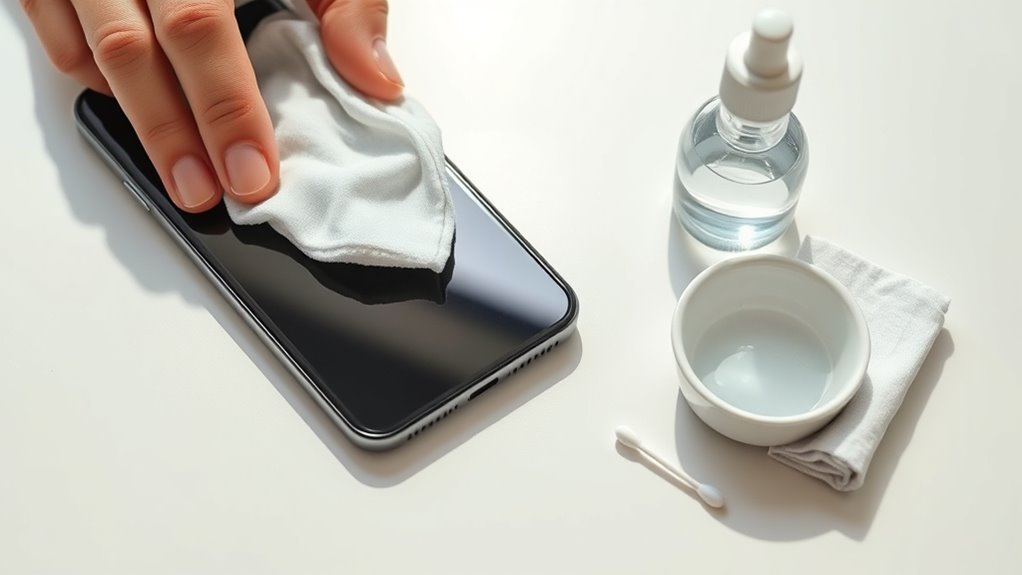
Keeping your gadgets clean is essential to maintaining their performance and prolonging their lifespan. Regular cleaning not only keeps them looking fresh but also ensures they function properly. One of the most common issues you’ll face is dealing with screen smudges. These smudges are more than just an eyesore; they can interfere with your screen’s clarity and responsiveness. To tackle them, start by turning off your device to avoid accidental inputs. Dampen a microfiber cloth with a small amount of water or a dedicated screen-cleaning solution. Gently wipe the screen in a circular motion, avoiding excessive moisture that could seep into openings. For stubborn smudges, you might need to repeat the process, but always ensure the cloth is only lightly damp—not soaked. Never spray liquids directly onto your screen, as this can cause damage.
Beyond screens, keyboards are a hotspot for dust, especially keyboard dust that accumulates in gaps and under keys. This dust can hinder key responsiveness and even introduce germs. To remove keyboard dust effectively, turn off your device first. Use compressed air to blow out loose debris from between the keys—hold the can upright and spray in short bursts. Be thorough around the edges and in tight spaces, but avoid tilting the can too much to prevent spraying propellant into your device. Once you’ve dislodged most of the dust, take a soft brush or a clean, lint-free cloth to wipe down the surface. For more stubborn dirt, slightly dampen the cloth with isopropyl alcohol, which evaporates quickly and sanitizes the surface. Carefully wipe each key and the surrounding area, making sure not to let any liquid drip into the device.
In addition to screens and keyboards, don’t forget other parts like charging ports and speaker grills. Use a dry, soft brush or a toothpick to gently dislodge dust from tight spots. If necessary, use a slightly damp cloth for exterior surfaces but avoid excess moisture that could seep into openings. Regular cleaning prevents buildup that can impair function and keeps your gadgets looking new. It’s also wise to be aware of Bitcoin IRA regulations and best practices when handling digital assets, as proper maintenance extends beyond physical cleaning to secure management of your investments. Remember, patience is key—gentle, consistent cleaning is more effective than aggressive scrubbing, which could cause scratches or damage. With these straightforward steps, you’ll keep your devices in top shape, making sure they look good and work well for years to come.
microfiber cleaning cloth for screens
As an affiliate, we earn on qualifying purchases.
As an affiliate, we earn on qualifying purchases.
Frequently Asked Questions
Can I Use Household Cleaning Products on My Electronics?
You shouldn’t use household chemicals on your electronics because they can damage delicate components. Instead, stick to safe cleaning routines with a microfiber cloth and a small amount of 70% isopropyl alcohol. Avoid harsh cleaners like bleach or ammonia. Regularly cleaning your gadgets with proper methods helps prevent buildup and keeps them functioning well. Always check manufacturer instructions before using any cleaning products to guarantee safety for your devices.
How Often Should I Clean My Gadgets?
Think of your gadgets as a garden that needs regular tending. To keep them in top shape, follow consistent cleaning schedules—about once a week or biweekly, depending on usage. Use these frequency tips to prevent dirt buildup and germs. Regular cleaning not only keeps your devices looking fresh but also guarantees they work efficiently. Stay vigilant, and your gadgets will thrive just like a well-tended garden.
Is It Safe to Submerge Electronics in Cleaning Solutions?
You shouldn’t submerge electronics in cleaning solutions because water immersion can damage internal components. Additionally, chemical risks are high if you use harsh cleaners, which can corrode or weaken your device. Instead, opt for a damp, lint-free cloth and gentle cleaning agents. Avoid soaking or spraying directly onto gadgets, as this helps prevent costly damage and preserves your device’s longevity.
What Are the Best Tools for Cleaning Delicate Screens?
You should use a microfiber cloth for cleaning delicate screens, as it gently removes smudges without scratching. For added protection, consider applying a screen protector to guard against scratches and fingerprints. Avoid harsh substances and abrasive tools, sticking to gentle wipes or sprays designed for electronics. Microfiber cloths are best for wiping, ensuring your screen stays clear and damage-free, while screen protectors help maintain its pristine condition over time.
Can Cleaning Damage the Waterproof Features of Devices?
Cleaning your device carefully won’t usually damage its waterproof integrity or sealant effectiveness. However, aggressive scrubbing or using harsh chemicals can compromise seals or push moisture inside. To protect your device, use a soft, damp cloth and avoid excessive moisture around ports. Regular gentle cleaning helps preserve waterproof features, ensuring your gadget stays protected and functional without risking damage to its sealant or waterproof integrity.
compressed air can for electronics
As an affiliate, we earn on qualifying purchases.
As an affiliate, we earn on qualifying purchases.
Conclusion
Cleaning your electronics might seem risky, but with the right methods, it’s safe and simple. Just use gentle tools and avoid harsh chemicals, and your devices will stay spotless without damage. Think it’s too complicated? It’s easier than you think—just follow these tips and keep your gadgets germ-free. Regular cleaning not only improves hygiene but also helps your electronics last longer. So, don’t hesitate—start cleaning your devices today for a healthier, cleaner tech life!
screen cleaning solution for smartphones
As an affiliate, we earn on qualifying purchases.
As an affiliate, we earn on qualifying purchases.
As an affiliate, we earn on qualifying purchases.
Fall Picks
fall essentials
As an affiliate, we earn on qualifying purchases.