If your Dyson cordless vacuum isn’t delivering suction as it should, it can be frustrating. Often, the cause is simple to identify and fix, saving you time and money. This guide provides practical, step-by-step solutions tailored for the Dyson V15 Detect™ Origin Cordless Vacuum, helping you restore powerful cleaning performance safely.

Get cleaning gear delivered free with Prime
- Fast, free delivery on millions of items
- Prime Video, Amazon Music and more included
- Member-only deals all year
Whether it’s a clogged filter, blockage, or battery issue, our troubleshooting tips will guide you through identifying and resolving common causes of suction loss.
Key Takeaways
| Check for blockages | Blocked hoses or nozzles can cause suction loss. |
| Inspect the filters | Dirty or clogged filters reduce suction power. |
| Examine the brush bar | Hair or debris wrapped around can impede airflow. |
| Ensure proper maintenance | Regular cleaning and filter replacement restore performance. |
| Battery and power check | Ensure the vacuum is charged and power modes are correct. |
Step 1: Power Off and Unplug
Always turn off the Dyson vacuum and unplug it from the charger before troubleshooting. This ensures safety and prevents accidental activation during inspection.
Step 2: Check for Clogs and Blockages
- Remove the wand and cleaner head from the vacuum body.
- Inspect the wand, hose, and cleaner head for obstructions or debris.
- Clear any blockages with a long, flexible brush or by rinsing with water (ensure dry before reassembling).
Step 3: Clean or Replace Filters
- Remove the pre-filter and main filter from the vacuum (refer to user manual for exact locations).
- Rinse filters under cold water until clear, then let them air dry completely (at least 24 hours).
- Reinstall filters once dry, or replace with new filters if they are damaged or excessively dirty.
Step 4: Check the Brush Bar and Floor Head
Inspect the Digital Motorbar or Fluffy Optic head for tangled hair or debris. Remove obstructions carefully and ensure the brush rotates freely. Clean the brush bar with a scissors if necessary.
Step 5: Test and Reset
Reassemble all parts, turn on the vacuum, and test suction. If the issue persists, check the power mode and battery status on the LCD screen. Reset the vacuum if needed by turning it off and on again.
The Products in This Guide

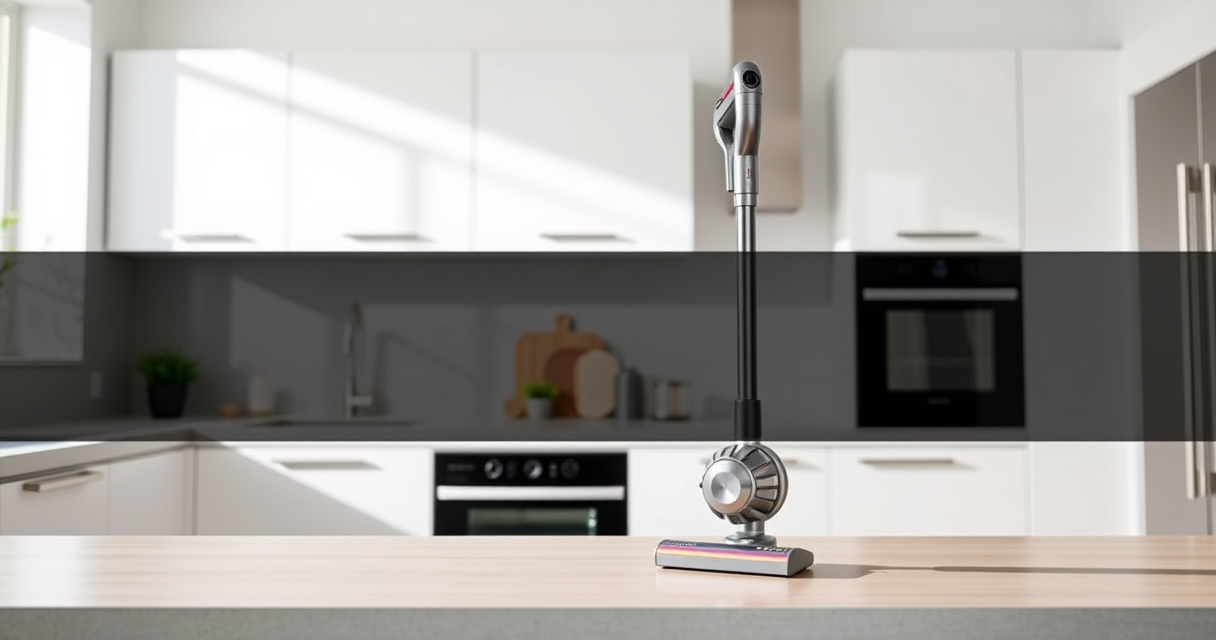
Dyson V15 Detect™ Origin Cordless Vacuum
- ✔ Battery Type: Li-ion
- ✔ Charge Time: 3.5 hours
- ✔ Noise Level: 80 dB

LANMU Crevice Tool Vacuum Attachments Compatible
- ✔ Nozzle Width: 0.4 inches
- ✔ Material: ABS plastic
- ✔ Weight: 0.3 lbs
Dyson V15 Detect™ Origin Cordless Vacuum
<p>The Dyson V15 Detect™ Origin offers 100% more power and intelligent features, including an LCD screen displaying particle count and maintenance alerts. Its versatile design makes it ideal for deep cleaning on various floor types, with advanced heads for pet hair and hard floors.</p>
Pros:
- Powerful suction with intelligent detection
- Long 60-minute runtime
- Versatile with multiple heads
- LCD display for real-time info
Cons:
- Higher price point
- Requires regular filter maintenance
- May be heavy for some users
Best for: Deep cleaning homes with pets or heavy debris
Not ideal for: Light or quick cleanups where minimal power is needed
Bottom line: A powerful, intelligent cordless vacuum ideal for comprehensive home cleaning.
LANMU Crevice Tool Vacuum Attachments Compatible
<p>The LANMU Crevice Tool Vacuum Attachments are compatible with many Dyson models, including the V15. Their slender, flexible design helps reach tight corners and hard-to-access spots effectively.</p>
Pros:
- Narrow, flexible nozzle
- Easy to attach and use
- Ideal for corners and crevices
- Good for car interiors
Cons:
- Not compatible with older Dyson models
- May be too slim for larger debris
- Requires careful handling
Best for: Cleaning tight corners, car interiors, and small gaps
Not ideal for: Large debris or heavy-duty cleaning
Bottom line: A versatile tool perfect for hard-to-reach cleaning tasks.
Frequently Asked Questions
Why does my Dyson vacuum have no suction?
Common causes include blockages in hoses or nozzles, dirty filters, tangled brush bars, or battery issues. Following the troubleshooting steps can identify and fix these problems.
How often should I clean or replace filters?
Filters should be rinsed and dried every 2-3 months, or replaced if damaged. Regular maintenance ensures optimal suction and airflow.
What should I do if cleaning doesn’t restore suction?
If cleaning and filter maintenance don’t help, check for deeper blockages or mechanical issues. Contact Dyson support if necessary.
Can I rinse all filters with water?
Only the washable filters, like the pre-filters and V10 filters, can be rinsed with water. Make sure they are completely dry before reinstalling to prevent damage.
Restore Your Dyson’s Power with Simple Troubleshooting
Regular maintenance and quick checks can keep your Dyson cordless vacuum performing at its best. By following these steps, you can quickly identify and fix no suction issues, ensuring your home stays clean and fresh with minimal hassle.
Affiliate disclosure: As an Amazon Associate we earn from qualifying purchases. Prices and availability are accurate as of the time of publishing.
Fall Picks
fall essentials
As an affiliate, we earn on qualifying purchases.