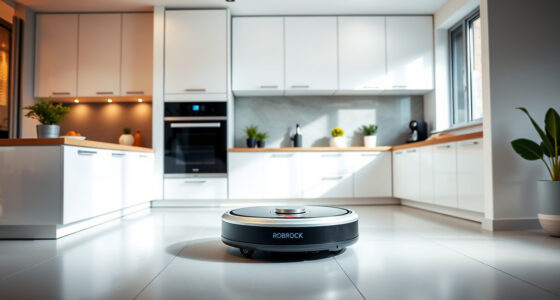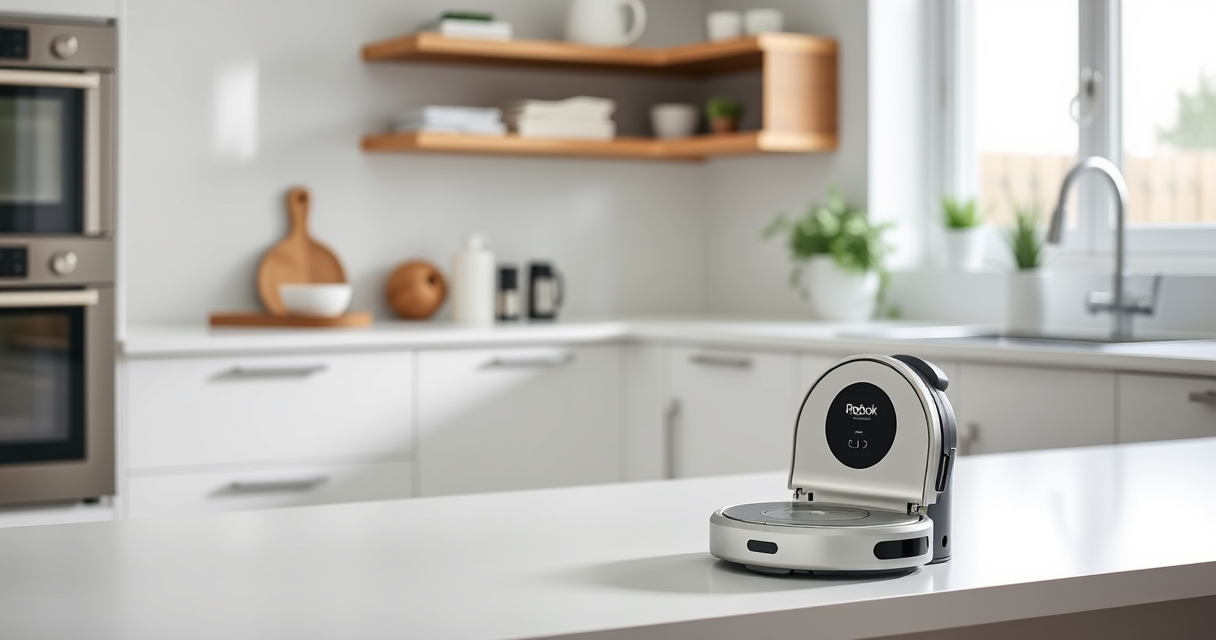
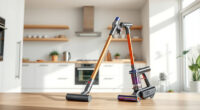
Roborock robot vacuums are known for their powerful cleaning, advanced navigation, and minimal maintenance needs. However, regular upkeep ensures optimal performance and longevity. This guide provides practical, step-by-step instructions on cleaning, replacing parts, troubleshooting common issues, and maintaining your Roborock Q7 M5+ to keep your home spotless.

Get cleaning gear delivered free with Prime
- Fast, free delivery on millions of items
- Prime Video, Amazon Music and more included
- Member-only deals all year
Whether you’re a new user or a seasoned owner, understanding the essential maintenance routines will help you avoid costly repairs and ensure your robot operates smoothly for up to 9 weeks between emptying thanks to its self-emptying system.
Key Takeaways
| Self-Emptying System | The 2.7L dust bag reduces frequent emptying. |
| Powerful Suction | Up to 10,000Pa suction lifts pet hair and debris. |
| Anti-Tangle Design | Dual anti-tangle system minimizes hair jams. |
| Regular Filter Replacement | Maintaining washable filters ensures optimal air quality. |
| Routine Mop and Brush Cleaning | Keeps the vacuum functioning efficiently. |
Cleaning the Dust Bin and Self-Emptying System
- Power off the robot vacuum: Before maintenance, ensure the device is turned off and unplugged if connected.
- Remove the dust bag: Open the dust bin compartment, carefully detach the 2.7L sealed dust bag from the RockDock Plus.
- Empty and inspect: Dispose of the collected debris. Check for any clogs or blockages in the bag or the opening.
- Clean the dust bin: Wipe the interior with a dry or slightly damp cloth. Do not use harsh chemicals.
- Reassemble: Insert the dust bag back into the compartment securely, ensuring a proper seal to maintain the vacuum’s sealing system.
This routine should be performed every 1-2 weeks or when the dust bin indicates it’s full. Proper handling prevents dust leakage and maintains suction power.
Maintaining and Replacing the Filters
The Roborock Q7 M5+ uses washable filters that are crucial for air purification and trapping fine dust. Regular maintenance ensures the vacuum maintains high suction and air quality.
- Remove the filter: Open the dustbin and take out the HEPA filter or foam filter, depending on your model.
- Wash the filter: Rinse under cold water without soap. Do not twist or wring excessively.
- Dry thoroughly: Allow the filter to air dry completely (at least 24 hours) before reinstalling.
- Replace when necessary: If the filter shows signs of damage or after 6-12 months of use, consider replacing with a washable filter pack like the B0DK99HTQ7.
Keeping filters clean prevents loss of suction and improves air quality, especially in homes with pets.
Cleaning the Main Brush and Anti-Tangle System
The dual anti-tangle system on the Roborock Q7 M5+ minimizes hair and pet hair jams, but routine cleaning of the main brush is still essential for peak performance.
- Remove the main brush: Turn off the vacuum, open the bottom cover, and carefully detach the main brush.
- Clear tangles and debris: Use a cleaning tool or your fingers to remove hair, string, or debris wrapped around the brush. Be cautious to avoid damaging the bristles.
- Wash the brush: If needed, rinse with water and dry thoroughly before reinstallation.
Perform this every 2-4 weeks, especially if you have pets or high-pile carpets. This ensures consistent suction and prevents jams that could disrupt cleaning cycles.
Inspecting and Maintaining the Mop System
The Roborock Q7 M5+ includes a mop feature using microfiber pads. Regular cleaning and replacing the mop pads improve cleaning efficiency, especially on sealed floors.
- Remove the mop pad: Detach the microfiber mop pad from the bottom of the robot.
- Wash the mop pad: Rinse with water, and if necessary, machine wash the microfiber pad (use mild detergent). Dry completely before reuse.
- Replace periodically: Mop pads should be replaced every 1-3 months or when visibly worn for optimal cleaning.
Using clean, dry mop pads prevents streaks and ensures the robot effectively picks up dirt and pet hair from hard floors.
Troubleshooting Common Issues
If your Roborock Q7 M5+ is not operating correctly, consider these troubleshooting steps:
- Robot not starting: Check if the dustbin and filters are properly installed, and ensure the battery is charged.
- Weak suction: Clean the main brush and filters, and verify the dust bag is not full.
- Navigation errors: Clear obstacles and check the PreciSense LiDAR sensor for dirt or obstructions.
- Unusual noises: Inspect the brushes and wheels for debris or tangled hair.
If issues persist, resetting the robot or updating its firmware via the app can resolve software glitches.
The Products in This Guide

roborock Q7 M5+ Robot Vacuum and Mop
- ✔ Max Suction: 10,000Pa
- ✔ Dust Capacity: 2.7L
- ✔ Battery Life: Up to 9 weeks

4 Pack Washable Filter
- ✔ Filter Type: HEPA washable
- ✔ Pack Size: 4
- ✔ Compatibility: Multiple Roborock models
roborock Q7 M5+ Robot Vacuum and Mop
The Roborock Q7 M5+ offers up to 7-9 weeks of hands-free cleaning with its self-emptying 2.7L dust bag and powerful 10,000Pa suction. Its dual anti-tangle system and advanced navigation make maintenance straightforward and effective.
Pros:
- Long-lasting self-emptying dust bag
- Strong suction power
- Anti-tangle design
- App control and scheduling
Cons:
- Initial setup can be complex
- Filter cleaning required regularly
- Mop pads need frequent replacement
Best for: Pet owners, busy households, allergy sufferers
Not ideal for: Homes with very delicate or uneven floors
Bottom line: The Roborock Q7 M5+ is a reliable, low-maintenance robot vacuum ideal for pet owners and busy homes.
4 Pack Washable Filter
This 4-pack of washable filters is compatible with various Roborock models including the Q7 and Q5 series. It ensures your vacuum’s filters stay clean and efficient, extending the device’s lifespan.
Pros:
- Cost-effective
- Easy to wash and reuse
- Maintains suction power
- Compatible with multiple models
Cons:
- Requires regular washing
- Not OEM but high quality
- Replacement needed after a year
Best for: Regular filter maintenance, pet households
Not ideal for: If you prefer OEM parts, this may not be suitable
Bottom line: A cost-effective, eco-friendly way to keep your Roborock’s filters clean.
Frequently Asked Questions
How often should I clean the dust bin?
It is recommended to empty the dust bin when it’s full or at least every 1-2 weeks to maintain optimal suction and prevent overflow.
Can I wash the filters?
Yes, the filters are washable. Rinse with cold water, dry thoroughly, and replace if damaged or after 6-12 months of use.
What should I do if the robot’s suction weakens?
Check and clean the main brush, filters, and dust bag. Make sure nothing is tangled or clogged, and replace filters if needed.
How do I troubleshoot navigation errors?
Clear obstacles from the robot’s path, clean the PreciSense LiDAR sensor, and ensure no reflective surfaces are confusing the navigation system.
Is regular mop pad replacement necessary?
Yes, replacing mop pads every 1-3 months ensures effective cleaning and prevents streaks or dirt transfer.
Keep Your Roborock Running Smoothly with Routine Maintenance
Proper maintenance of your Roborock Q7 M5+ ensures it continues to deliver powerful, efficient cleaning for weeks at a time. Regularly empty the dust bag, clean and replace filters, check the main brush for tangles, and maintain the mop system. By following these simple steps, you’ll extend your vacuum’s lifespan, improve its cleaning performance, and enjoy a cleaner home with minimal effort.
Remember, a little routine care goes a long way in maximizing your investment and keeping your living space spotless.
Affiliate disclosure: As an Amazon Associate we earn from qualifying purchases. Prices and availability are accurate as of the time of publishing.
Halloween Picks
halloween
As an affiliate, we earn on qualifying purchases.