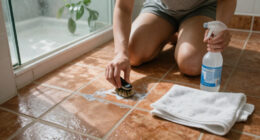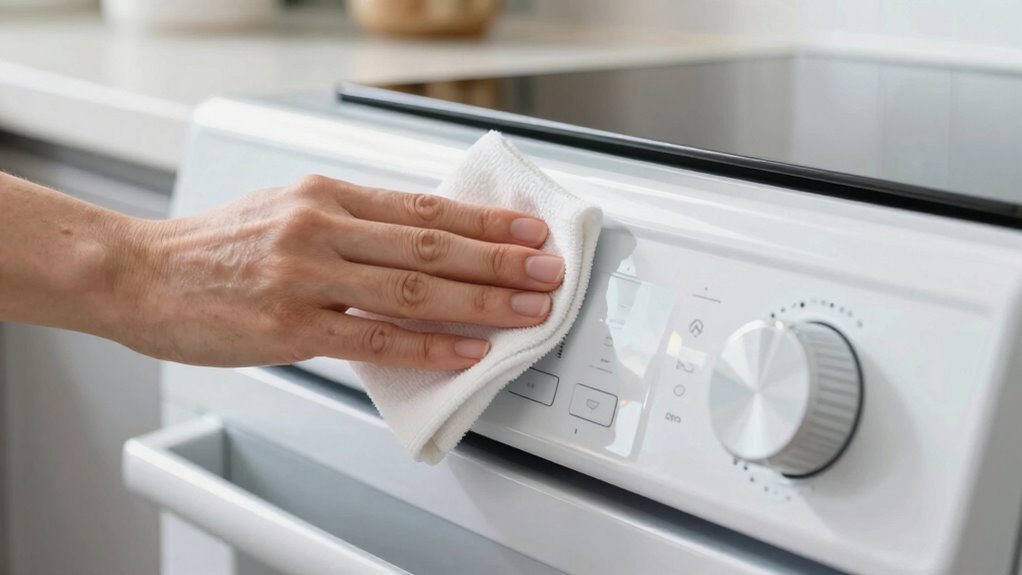

To clean appliance buttons, dials, and touch panels properly, start by turning off and unplugging the device for safety. Use a soft, slightly damp microfiber cloth with a gentle cleaner like water or isopropyl alcohol (70%) to wipe surfaces in circular motions. For crevices, dip cotton swabs in cleaning solution, but avoid excess moisture. Finish by buffing with a dry cloth to guarantee everything is dry. For more detailed tips, keep exploring the best cleaning methods.

Get cleaning gear delivered free with Prime
- Fast, free delivery on millions of items
- Prime Video, Amazon Music and more included
- Member-only deals all year
Key Takeaways
- Turn off and unplug the appliance before cleaning to ensure safety and prevent damage.
- Use a lightly damp microfiber cloth with screen cleaner or 70% isopropyl alcohol for touch panels.
- Gently wipe buttons and dials in circular motions to avoid streaks and smudges.
- Use cotton swabs dipped in cleaning solution to reach crevices and edges carefully.
- Buff with a dry microfiber cloth and ensure surfaces are completely dry before replugging.
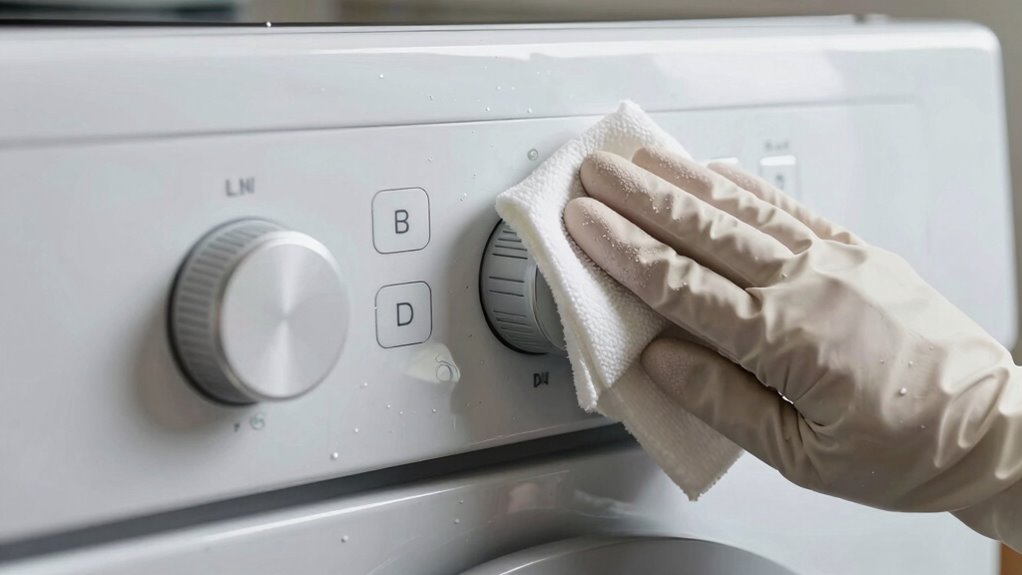
Cleaning appliance buttons and touch panels is essential for maintaining hygiene and ensuring proper functionality. These surfaces are frequently touched, making them hotspots for dirt, bacteria, and grime. Regular cleaning not only keeps your appliances looking fresh but also prevents the buildup of germs that could cause illnesses. When you approach cleaning, you need to keep appliance maintenance in mind, which involves gentle but effective methods to preserve the integrity of the buttons and touch screens. It’s also imperative to follow safety precautions to avoid damage or electrical hazards, especially since many appliances have sensitive electronic components.
Regular gentle cleaning of appliance buttons and touch panels maintains hygiene and preserves functionality.
Start by turning off the appliance and unplugging it from the power source. This step is a key safety precaution to prevent accidental activation or electrical shock during cleaning. Once powered down, use a soft, lint-free cloth to remove loose dust and debris from the surface. Avoid abrasive materials or harsh scrubbing pads, which can scratch or damage delicate surfaces. If there’s stubborn grime or fingerprints, dampen the cloth slightly with a mixture of mild soap and water. Never apply liquids directly onto the buttons or touch panels, as excess moisture can seep into the device and cause malfunctions.
For touch panels, opt for a microfiber cloth lightly moistened with a specialized screen cleaner or a mixture of water and isopropyl alcohol (70%). Gently wipe the surface in a circular motion, making sure not to press too hard. This helps remove oils, smudges, and bacteria without damaging the sensitive electronics. For buttons and dials, use a cotton swab dipped in the same cleaning solution to get into crevices and around edges, ensuring all dirt and grime are effectively removed. Be cautious to avoid excess moisture and never use bleach, ammonia, or abrasive cleaners, as these can degrade the surface over time. Understanding electronic component safety is crucial to prevent damage during cleaning. Additionally, using proper cleaning solutions ensures that no harmful residues remain on your appliances.
After cleaning, use a dry microfiber cloth to buff the surface and remove any remaining moisture. Wait until the appliance is completely dry before plugging it back in and turning it on. This prevents electrical issues and prolongs the lifespan of the device. Regular cleaning and careful handling help maintain your appliances’ appearance and functionality while reducing the risk of bacterial buildup. Remember, always prioritize safety precautions and gentle cleaning methods to keep your appliances in top shape, ensuring they operate smoothly and stay hygienic. Proper cleaning techniques can significantly extend the lifespan of your devices and maintain their aesthetic appeal.
Products Worth Considering

Hisense 85 U6 Pro Series Mini-LED ULED 4K UHD HDR Gaming AI Smart Fire TV (85U6SF Pro)

Sonos Era 100 Wireless Smart Speaker, Black

Levoit Core 400S-P Smart Air Purifier for Large Rooms
As an affiliate, we earn on qualifying purchases.
Frequently Asked Questions
Can I Use Alcohol-Based Cleaners on Appliance Touch Screens?
Yes, you can use alcohol-based cleaners on appliance touch screens, but with caution. For effective screen cleaning, use a solution with at least 70% alcohol, ensuring alcohol safety. Avoid harsh chemicals that could damage the screen’s coating. Spray the cleaner onto a soft cloth rather than directly on the screen, then gently wipe. This method keeps your touch panels clean while protecting their integrity.
How Often Should I Clean Appliance Buttons and Dials?
You should clean appliance buttons and dials at least once a week as part of your regular maintenance schedule. Regular cleaning prevents buildup of grime and bacteria, keeping your appliances hygienic and functioning properly. If you notice spills or fingerprints, clean them immediately. Establishing a consistent cleaning frequency guarantees your appliances stay in good condition, reducing the risk of damage and extending their lifespan.
Are There Specific Tools Recommended for Cleaning Delicate Touch Panels?
Ever wonder what tools are best for delicate touch panels? You should use a soft microfiber cloth to gently clean the surface without scratching it. For stubborn dirt, a plastic scraper can help, but use it carefully to avoid damage. Do you think harsh scrubbing tools are necessary? No, gentle tools like microfiber cloths and plastic scrapers are your safest options, ensuring your touch panels stay pristine and functional.
What Should I Avoid When Cleaning Appliance Control Surfaces?
You should avoid using harsh chemicals or abrasive brushes when cleaning appliance control surfaces. These can damage delicate screens, buttons, and dials, leading to malfunction or permanent marks. Instead, opt for gentle, non-abrasive cleaning solutions and soft cloths. Steer clear of excessive moisture and scrubbing too hard, as these can also harm the surface. Always follow manufacturer instructions for cleaning to guarantee longevity and proper function.
Can Cleaning Damage the Electronic Components Inside Appliances?
Cleaning your appliance controls is like walking on a tightrope—if you’re not careful, you could damage the electronics inside. You should always prioritize electronics safety by avoiding harsh cleaning chemicals and excessive moisture, which can seep into components. Use a damp cloth instead of sprays, and steer clear of abrasive cleaners. Proper cleaning protects your appliance’s longevity and keeps the electronic components functioning smoothly.
Conclusion
Keeping your appliance buttons, dials, and touch panels clean is like tending to a delicate garden—regular care keeps everything blooming smoothly. With gentle cleaning and the right tools, you prevent grime from building up and guarantee your devices stay responsive and invigorated. Think of it as giving your appliances a revitalizing breath of life, so they can serve you well for years to come. A little attention now keeps the shine and functionality shining bright!