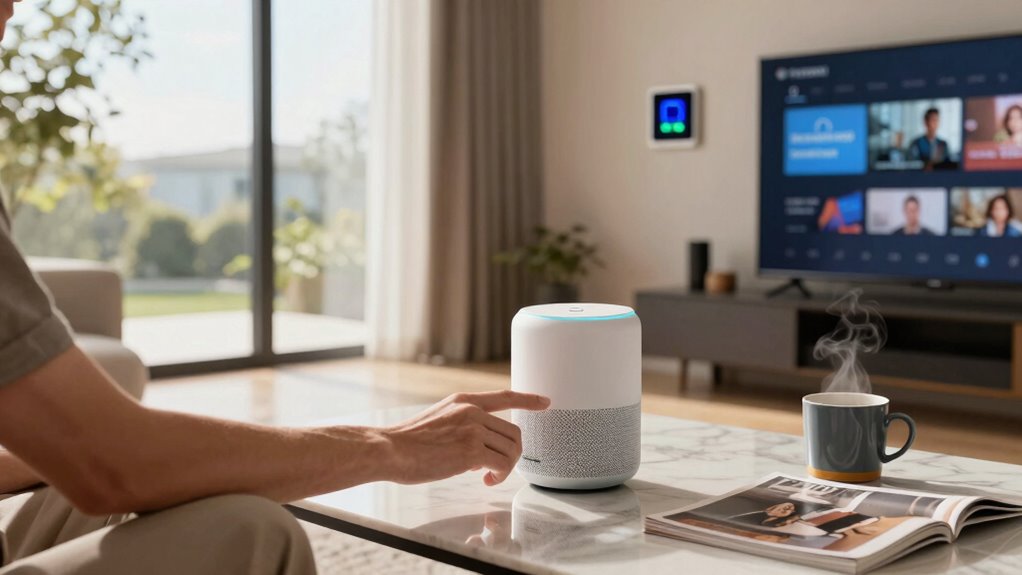

Most people stick to basic smart features like weather updates, alarms, and messaging because they’re simple and familiar. Advanced functions like voice recognition or smart home controls often go unused due to privacy concerns and usability issues. Trust and device design also influence how much you actually use these features. If you’re curious about why many limit themselves and how to get more from your tech, keep exploring what’s possible beyond the basics.
Key Takeaways
- Most users primarily rely on basic functions like weather updates, alarms, and messaging, rarely exploring advanced features.
- Privacy concerns limit full adoption of smart features, especially voice recognition and data sharing options.
- User experience and device design significantly impact engagement and trust in using smart functionalities.
- Many users adopt a pragmatic approach, sticking to familiar, simple features over more complex or privacy-invading options.
- The full potential of smart features remains underused due to privacy worries, usability issues, and limited awareness of capabilities.
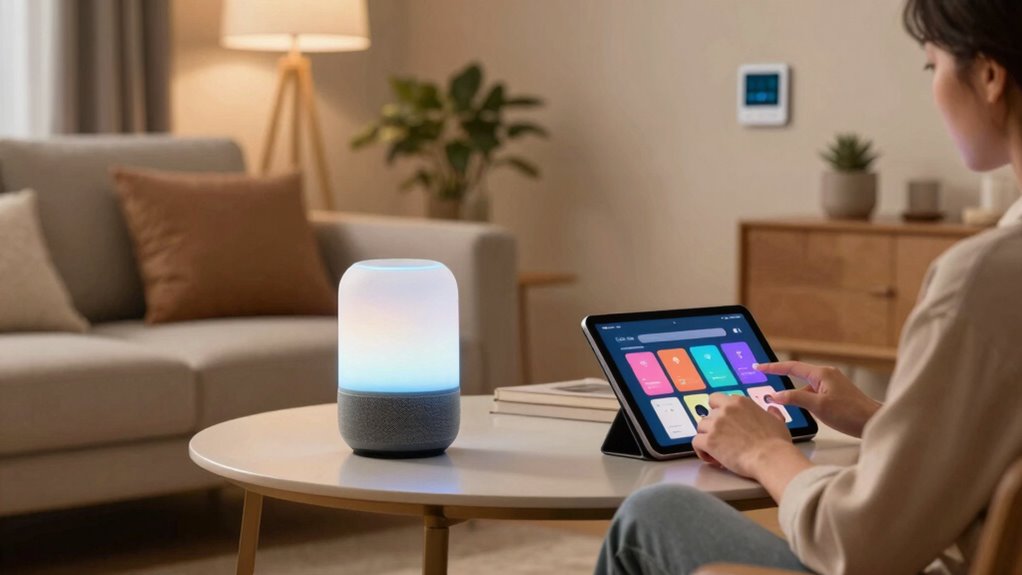
Smart features promise to make our lives easier, but in reality, most people use only a handful of them regularly. You might have a smartphone packed with capabilities you barely touch, like advanced voice recognition or smart home controls, but the truth is, only a few of these features become part of your daily routine. Voice recognition, for instance, is often touted as a game-changer, allowing you to send messages, set reminders, or search the web hands-free. Yet, many users find themselves hesitant to rely on it fully, primarily because of privacy concerns. You might question how your voice data is stored or used, and that hesitation keeps you from seamlessly integrating voice commands into your routine. Despite its convenience, the potential for misuse or data breaches makes some wary of trusting voice recognition entirely.
Many hesitate to fully trust voice recognition due to privacy concerns and risks of data misuse.
As much as these smart features promise to streamline your life, they also introduce a layer of vulnerability. When you activate voice assistants like Siri, Alexa, or Google Assistant, you’re fundamentally sharing personal information with a third-party service. Although companies emphasize privacy controls and data encryption, the risk of your voice data being hacked or misused still exists. You may feel conflicted—you crave the convenience but worry about your privacy. This tension often results in only partial use or turning off these features altogether, limiting their potential. Moreover, privacy concerns are often fueled by high-profile data breaches and ongoing debates about data ownership, which make users more cautious.
Furthermore, many people discover that the features they actually use tend to be simple and familiar. For example, quick access to weather updates, alarm settings, or basic messaging functions often outweighs more complex features. You might find that voice recognition works well for straightforward tasks, but it falls short when it comes to more nuanced commands, leading to frustration. Because of this, you tend to stick with manual inputs or traditional methods, reinforcing a pattern of underusing these advanced features. Over time, the initial allure of smart tech fades into a reliance on familiar, proven methods rather than fully embracing all the capabilities. Additionally, user experience plays a significant role in whether or not these features become part of your daily habits, influencing your overall perception of smart technology. When devices are intuitive and responsive, users tend to develop greater trust and engagement. Sometimes, the design of these devices can make a difference in how comfortable you feel using them.
Ultimately, you realize that smart features are only as useful as your willingness to trust and engage with them. While voice recognition offers a hands-free experience, privacy concerns act as a barrier to their full adoption. Instead of leveraging the full potential of smart technology, many settle for basic functions that don’t require sacrificing privacy or learning complex commands. This pragmatic approach means you’re using your devices more as tools than as futuristic assistants, which is often what they were marketed to become. In the end, you may also consider the privacy implications when deciding how much of your personal data to share. Ultimately, smart features do make life easier, but only when you’re comfortable with how much of your personal data you’re sharing and how you choose to use them.
As an affiliate, we earn on qualifying purchases.
Frequently Asked Questions
Do Smart Features Compromise My Device’s Security?
Smart features can pose security risks, especially with privacy concerns and data collection. When you enable these features, your device may share personal information with manufacturers or third parties, increasing vulnerability to hacking or misuse. To protect yourself, review privacy settings regularly, disable features you don’t need, and stay informed about how your data is being used. Being cautious helps guarantee your device remains secure while enjoying smart benefits.
Are Smart Features Compatible Across Different Brands?
Smart features often vary in compatibility across different brands, but many now focus on brand integration and cross-platform compatibility. You’ll find that some devices work seamlessly together, especially if they support common standards or apps. However, compatibility can sometimes be limited, meaning you might need specific brand ecosystems. To guarantee smooth operation, check if the smart features you want are compatible across your preferred brands and platforms before making a purchase.
How Much Do Smart Features Drain Battery Life?
Smart features can drain your battery quite a bit if you’re not careful. They increase power consumption, especially when constantly running in the background. To minimize this, use battery optimization tools available on your device, disable features when not needed, and limit background activity. By managing these settings, you can extend your battery life while still enjoying the convenience of smart features.
Can Smart Features Be Disabled Easily?
Yes, you can disable smart features easily through manual control settings. Most devices let you turn off features like adaptive brightness, location services, and auto-updates with just a few taps. User customization options are designed for this purpose, giving you full control over which smart features stay active. Simply navigate to your device’s settings menu, find the relevant options, and toggle them off for a more personalized, battery-friendly experience.
Are Smart Features Worth the Extra Cost?
Smart features can be worth the extra cost if you value convenience and customization, but consider your stance on user privacy. If you’re comfortable with sharing data, they can enhance your device experience. However, if privacy matters most, opt for customizable features that allow you to disable or limit data sharing. Weigh the benefits of smarter tech against potential privacy concerns to decide whether the investment aligns with your priorities.
As an affiliate, we earn on qualifying purchases.
Conclusion
While smart features often boast cutting-edge technology, most users stick to the basics—like checking notifications or making calls. It’s ironic how we invest in complex gadgets only to rely on simple functions that keep us connected and efficient. Instead of chasing every new update, maybe the real value lies in mastering what we already have. Sometimes, the smartest move is embracing simplicity amid the tech frenzy. After all, it’s the basics that truly make a difference.
As an affiliate, we earn on qualifying purchases.
As an affiliate, we earn on qualifying purchases.