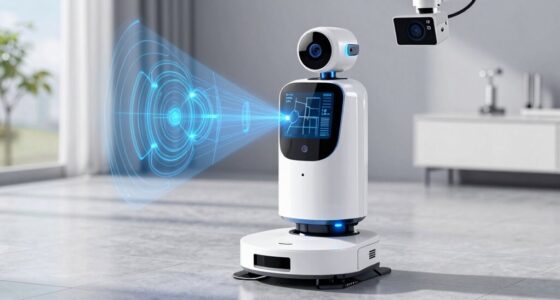
Keeping your Roborock Q Revo in top shape ensures it performs efficiently and lasts longer. Proper cleaning of the main components, including the brushes, filters, and sensors, is essential. This guide provides clear, step-by-step instructions to help you maintain your robot vacuum safely and effectively.
Regular cleaning prevents buildup and ensures thorough cleaning sessions, especially if you have pets or high-traffic floors. Follow these steps carefully to avoid damage and maximize your device’s lifespan.
Key Takeaways
| Regular maintenance improves performance | Clean brushes, filters, and sensors routinely. |
| Use proper tools and gentle methods | Avoid harsh chemicals or abrasive tools. |
| Check for wear and tear | Inspect brushes and filters for damage or excessive dirt. |
| Follow safety precautions | Power off the device before cleaning. |

roborock Q7 M5+ Robot Vacuum and Mop, Up to 7-9 Weeks Self-Empty, 10000Pa
- Long-Lasting Cleaning: Up to 7-9 weeks with large dust bag
- Powerful Suction: 10000Pa for deep cleaning
- Tangle-Resistant Design: Anti-tangle brushes for pet hair
As an affiliate, we earn on qualifying purchases.
Power Off and Prepare
- Press the power button or turn off the device via the app to ensure it is fully shut down.
- Remove the robot from its charging dock and place it on a clean, flat surface.
Clean the Main Brush and Anti-Tangle System
- Lift the main brush cover and carefully remove the dual anti-tangle system and main brush.
- Use a cleaning tool or a soft brush to remove hair, pet hair, and debris from the brush and anti-tangle system.
- Inspect for damage and replace if worn out.
Empty and Clean the Dust Bin and Filter
- Remove the dust bin and open it to empty the contents into a trash bag.
- Take out the washable filter and rinse it under water. Let it air dry completely before reinserting.
- Use a dry cloth or brush to clean the inside of the dust bin for thorough removal of dust and debris.
Wipe Sensors and Charging Contacts
- Use a soft, dry cloth to gently wipe the sensors to ensure accurate navigation.
- Clean the charging contacts on the device and dock to maintain proper charging connection.
Reassemble and Test
- Reinstall the main brush, anti-tangle system, and dust bin securely.
- Power on the robot and run a short cleaning cycle to verify proper operation.
The Products in This Guide

roborock Q7 M5+ Robot Vacuum and Mop
- ✔ Dust Capacity: 2.7L
- ✔ Maximum Runtime: Extended
- ✔ Connectivity: App Control

4 Pack Washable Filter
- ✔ Filter Material: HEPA
- ✔ Washability: Yes
- ✔ Compatibility: Multiple models
roborock Q7 M5+ Robot Vacuum and Mop
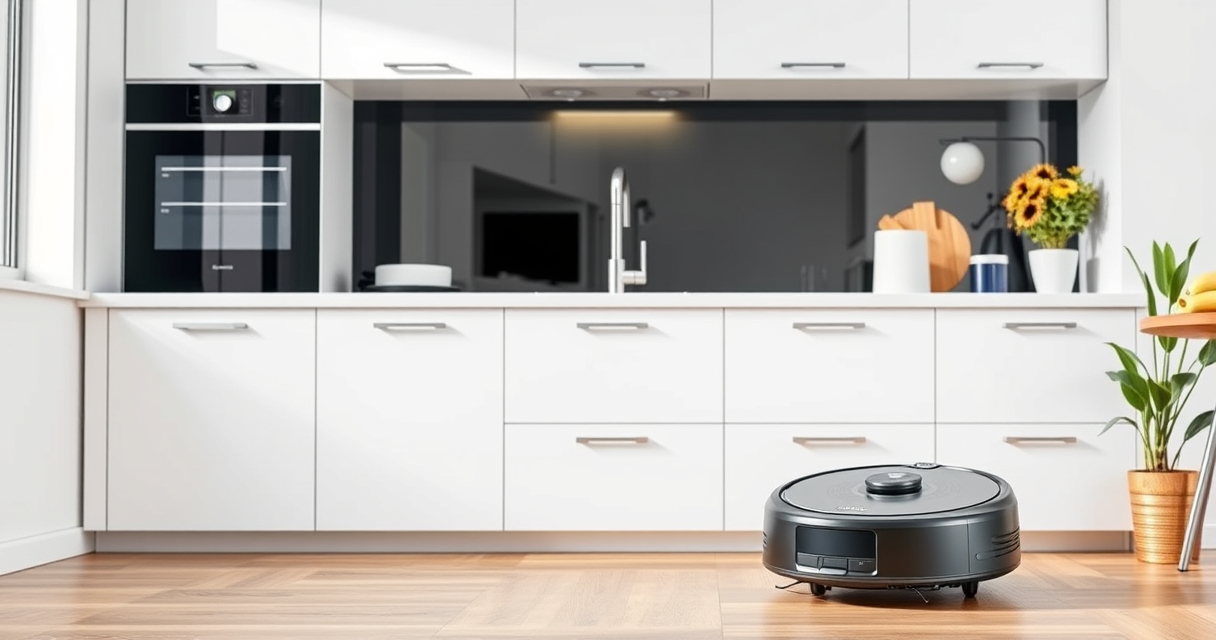
The Roborock Q7 M5+ Robot Vacuum and Mop offers powerful suction, dual anti-tangle system, and up to 9 weeks of self-emptying, making it a top choice for pet owners and busy households.
Pros:
- Powerful 10000Pa suction
- Self-emptying dust bag for weeks
- Effective pet hair management
- Smart navigation with PreciSense LiDAR
Cons:
- Heavier than basic models
- Requires regular filter cleaning
- May be complex for first-time users
Best for: Pet owners, large homes, busy households
Not ideal for: Small apartments with minimal debris
Bottom line: A highly capable vacuum ideal for pet owners and large spaces.
4 Pack Washable Filter
This 4-pack of washable filters is compatible with multiple Roborock models, including the Q7 and Q5 series, ensuring your vacuum stays effective with clean filters.
Pros:
- Cost-effective bundle
- Easy to wash and reuse
- Maintains high filtration efficiency
- Compatible with several models
Cons:
- Requires regular washing
- Not OEM, but performs similarly
- Replacement needed every few months
Best for: Prolonging filter life and maintaining suction power
Not ideal for: For users preferring OEM filters
Bottom line: A cost-effective way to keep your filters clean and efficient.
Frequently Asked Questions
How often should I clean the brushes?
It is recommended to clean the brushes once every 1-2 weeks, especially if you have pets or high-traffic floors.
Can I use water to clean the filters?
Yes, the washable filters can be rinsed under water. Ensure they are completely dry before reinstalling to prevent damage.
What should I do if my Roborock Q Revo isn’t charging properly?
Check the charging contacts for dirt or debris and clean them gently. Make sure the dock is plugged in and functioning correctly.
How do I reset my robot after cleaning or maintenance?
Power off the device and turn it back on. For a full reset, consult the user manual or app instructions.
Keep Your Roborock Q Revo Running Smoothly
Regular cleaning and maintenance of your Roborock Q Revo ensure optimal performance and longevity. Follow these simple steps and tips to keep your device in top shape, preventing issues and enjoying a cleaner home with less hassle.
Affiliate disclosure: As an Amazon Associate we earn from qualifying purchases. Prices and availability are accurate as of the time of publishing.