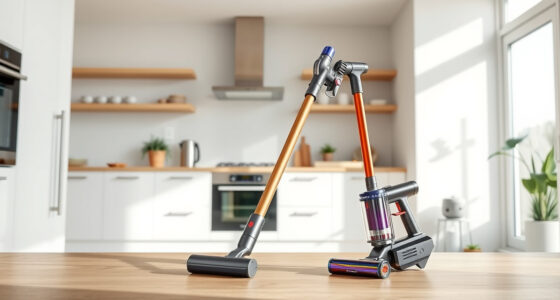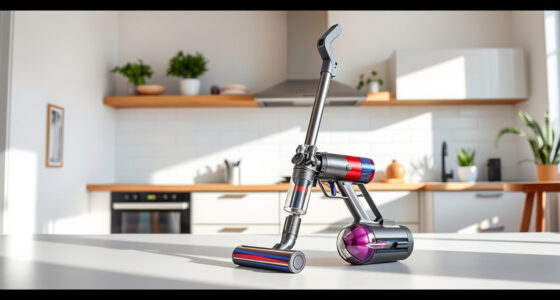
If your Dyson V15 Detect™ Origin cordless vacuum is pulsing on and off during use, it can be frustrating and reduce cleaning efficiency. This issue often indicates a problem with airflow, battery performance, or filters. Fortunately, many causes are simple to diagnose and fix with some straightforward steps.
In this guide, we’ll walk you through the common causes and provide clear, safe troubleshooting instructions to restore your vacuum’s optimal performance.
Key Takeaways
| Airflow blockages | Clogged filters or obstructions can cause pulsing. |
| Battery issues | Battery performance or connections can lead to power fluctuations. |
| Dirty filters | Filters needing cleaning or replacement impact suction. |
| Motor or sensor faults | Malfunctions in the motor or debris detection sensors may cause pulsing. |

Dyson V15 Detect™ Origin Cordless Vacuum
- Deep cleaning with intelligent detection: Reveals invisible dust for thorough cleaning
- Enhanced power and runtime: 100% more power, 60-minute battery life
- Energy-efficient power trigger: Uses power only when needed
As an affiliate, we earn on qualifying purchases.
Check and Clean the Filters
- Turn off and unplug your Dyson vacuum for safety.
- Remove the pre-filters and main filters as per your model’s instructions.
- Rinse the filters thoroughly with water, ensuring all dirt is washed away.
- Allow filters to air dry completely, ideally for at least 24 hours, before reinserting.

LANMU Crevice Tool Vacuum Attachments Compatible with Dyson V15 V12 V11 V10 V9 V8 V7 Gen5 Outsize Vacuum Cleaner, Narrow Nozzel Replacement Parts for Hard-to-Reach Space
- Wide Compatibility: Compatible with various Dyson models
- Slim and Flexible Design: Narrow nozzle for tight spaces
- Versatile Applications: Ideal for furniture, car, and appliance cleaning
As an affiliate, we earn on qualifying purchases.
Inspect for Blockages
- Examine the wand, cleaner head, and hose for obstructions or debris.
- Remove any visible blockages carefully to restore airflow.
- Check the debris bin for clogs and empty it if necessary.
Check Battery and Connections
- Ensure the battery is properly seated and connected securely.
- If your model has a removable battery, try removing and reinserting it.
- Charge the vacuum fully and observe if pulsing persists during use.
Reset or Restart the Vacuum
Some pulsing issues resolve after a reset. Turn off your Dyson, remove the battery if removable, wait 30 seconds, then reassemble and power on.
If your model supports it, perform a factory reset as per the user manual.
Additional Tips and Warnings
- Avoid using the vacuum if it continues to pulse after troubleshooting; contact Dyson support if needed.
- Never force open the motor or sensor components to avoid damage.
- Regularly replace filters and clean parts to prevent future issues.
The Products in This Guide
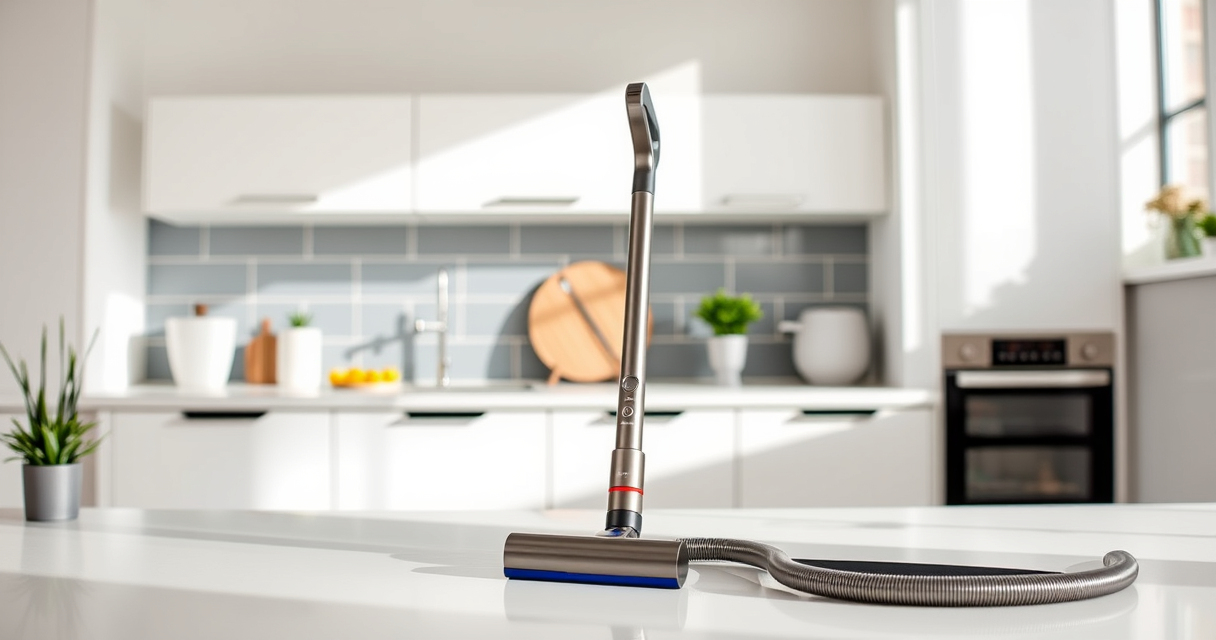
Dyson V15 Detect™ Origin Cordless Vacuum

The Dyson V15 Detect™ Origin offers impressive suction power and intelligent detection capabilities, making it ideal for whole-home cleaning. Its pulsing issue can often be fixed with simple filter cleaning or airflow checks.
Pros:
- Powerful suction
- Intelligent debris detection
- Long battery life
- Versatile cleaning modes
Cons:
- Filters require regular cleaning
- Can be heavy for some users
- Battery replacement may be needed over time
Best for: Deep cleaning across various floor types and detailed debris removal
Not ideal for: For users seeking ultra-lightweight or budget options
Bottom line: The Dyson V15 Detect™ Origin is a powerful, intelligent vacuum that can handle tough cleaning tasks, with troubleshooting steps to fix pulsing issues.
LANMU Crevice Tool Vacuum Attachments Compatible

The LANMU Crevice Tool Vacuum Attachments fit Dyson V15 and other models, helping you access tight corners and tricky spaces. It enhances your cleaning precision, especially after troubleshooting pulsing issues.
Pros:
- Narrow nozzle for precision
- Compatible with multiple Dyson models
- Easy to attach and use
- Great for cars and furniture
Cons:
- May be too slim for larger debris
- Not for use with older Dyson models
Best for: Cleaning tight corners, edges, and small spaces
Not ideal for: For general cleaning needs; better with larger tools
Bottom line: A practical attachment to complement your Dyson vacuum and tackle hard-to-reach areas effectively.
Frequently Asked Questions
Why does my Dyson vacuum pulse or turn off unexpectedly?
This can be caused by airflow blockages, dirty filters, low battery, or sensor malfunctions. Following the troubleshooting steps can often resolve the issue.
How often should I clean or replace the filters?
Filters should be rinsed and dried thoroughly every 1-3 months, depending on usage. Replace filters as recommended in your user manual or when they show signs of wear.
Can I fix pulsing issues myself?
Yes, most issues related to airflow, filters, and connections are fixable with safe, step-by-step cleaning and inspections described in this guide.
When should I contact Dyson support?
If cleaning and troubleshooting don’t resolve pulsing or power issues, or if you suspect motor or sensor failure, contact Dyson support for professional assistance.
Keep Your Dyson V15 Detect™ Working Flawlessly
Regular maintenance, including cleaning filters and checking for blockages, can prevent pulsing issues and prolong your vacuum’s lifespan. By following these troubleshooting steps, you can often restore optimal performance and enjoy deep, efficient cleaning every time.
If problems persist, professional support is recommended to avoid further damage or voiding your warranty.
Affiliate disclosure: As an Amazon Associate we earn from qualifying purchases. Prices and availability are accurate as of the time of publishing.