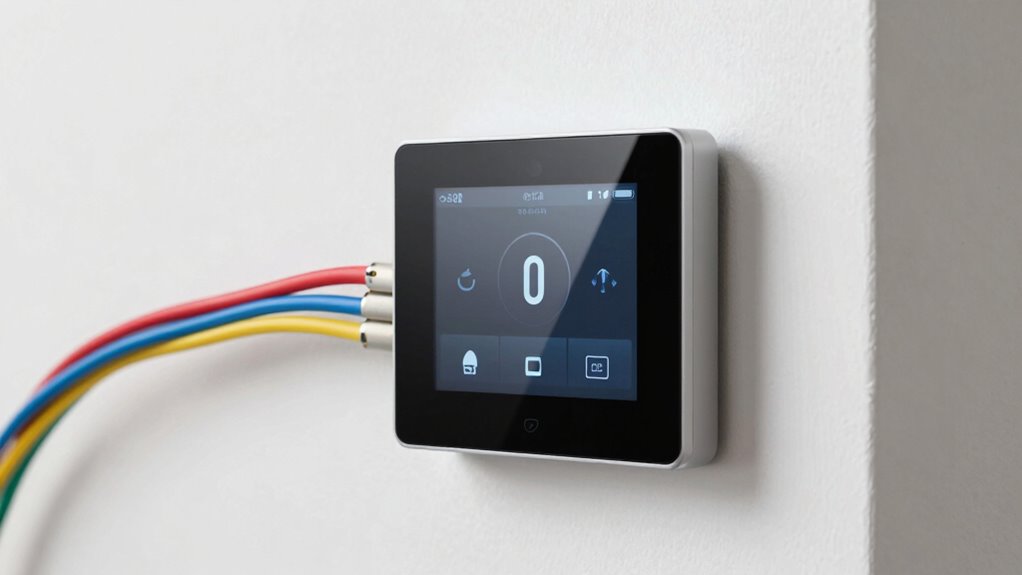
A C-wire supplies continuous power to your smart thermostat, ensuring reliable operation without relying on batteries or complex wiring. If your thermostat doesn’t have a C-wire, check for one at your wiring terminal or use a multimeter to confirm. If missing, options include installing a C-wire adapter or switching to a compatible wireless model. For detailed steps and solutions, keep going—more helpful info awaits you.

Get cleaning gear delivered free with Prime
- Fast, free delivery on millions of items
- Prime Video, Amazon Music and more included
- Member-only deals all year
Key Takeaways
- A C-wire provides continuous power to smart thermostats, ensuring reliable operation without relying on batteries.
- Identifying a C-wire involves checking wiring terminals labeled “C” or “Common” and testing with a multimeter.
- If no C-wire exists, options include using adapters, power extenders, or switching to battery-powered thermostats.
- Proper wiring and professional installation are essential for system compatibility and safe, optimal performance.
- Troubleshooting wiring issues helps prevent malfunctions, power failures, and compatibility problems with smart thermostat systems.
Products Worth Considering

Sonos Era 100 Wireless Smart Speaker, Black

Philips Hue Large Smart Light Tube, Black – White and Color Ambiance LED Color-Changing Light – 1 Pack

Levoit Vital 200S-P Smart Air Purifier for Large Rooms
As an affiliate, we earn on qualifying purchases.
What Is a C‑Wire and Why Is It Important for Your Smart Thermostat?
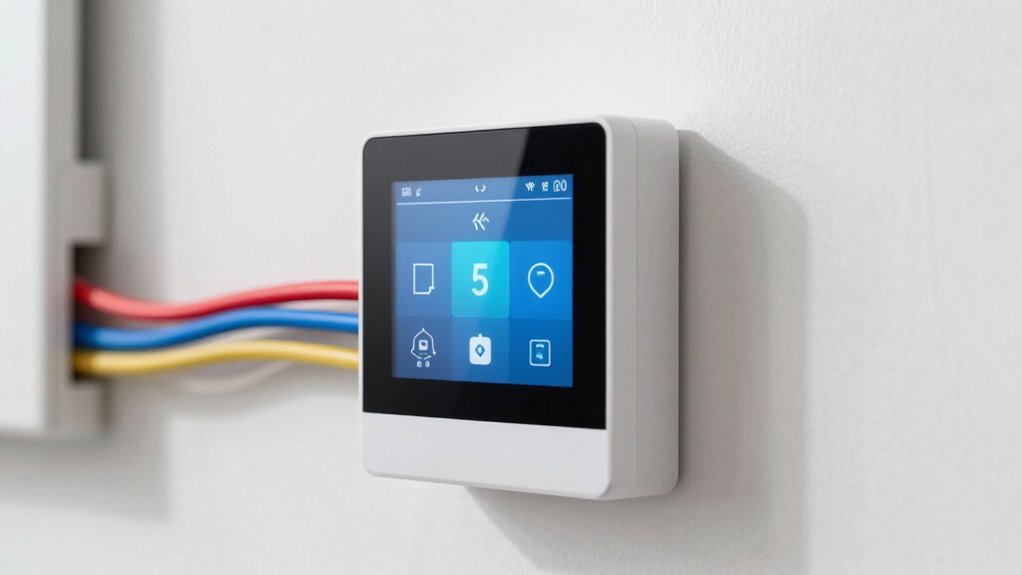
Have you ever wondered why some smart thermostats need a C‑wire? This wire provides continuous power from your HVAC system, guaranteeing your thermostat stays charged without relying on batteries. Without a C‑wire, some thermostats can face compatibility issues, especially if your system isn’t designed to supply power through other means. While wireless alternatives like batteries or power adapters exist, they might not be as dependable or efficient. These options can lead to frequent battery replacements or connection problems, limiting your smart thermostat’s performance. Knowing whether your system supports a power supply through a C‑wire helps you avoid setup headaches and guarantees your smart thermostat functions smoothly. Additionally, understanding the compatibility of your existing wiring setup can prevent unexpected installation challenges. In short, the C‑wire is essential for consistent power, making your smart home automation seamless and reliable.
How to Check If Your Current Wiring Supports a C‑Wire?
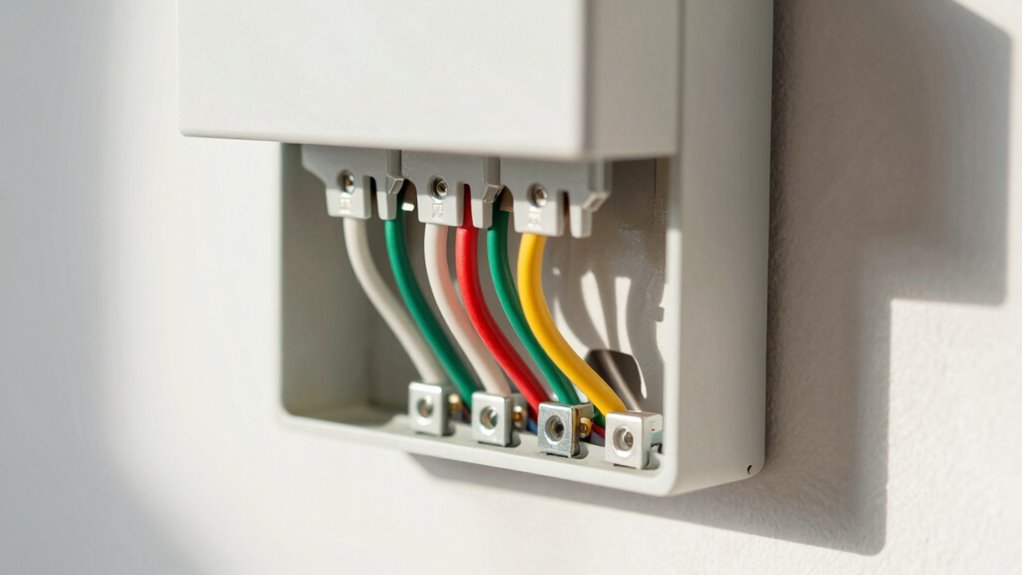
Start by turning off your thermostat and removing the cover to access the wiring. Look for a wire connected to the terminal labeled “C” or “Common”; this indicates the presence of a C-wire. If you don’t see a wire in that terminal, you’ll need to check other wiring or consider alternative solutions. Additionally, checking your home’s electrical system can help determine if additional wiring modifications are necessary. Exploring the regional infrastructure can also provide insights into typical wiring setups in your area. Understanding your existing wiring standards can help identify whether a C-wire is likely to be present or if alternative methods are needed. Moreover, reviewing manufacturer guidelines can offer specific advice tailored to your thermostat model. Being aware of security considerations can also help ensure your wiring setup maintains safety and functionality.
Check Existing Wiring
To determine if your existing thermostat wiring supports a C-wire, first turn off the power to your HVAC system to guarantee safety. Remove your thermostat from the wall to expose the wiring. Look at the terminal connections; a C-wire will usually be labeled “C” or “Common.” If you see a wire connected to that terminal, you likely have a C-wire. If not, check whether your existing setup supports wireless alternatives or battery powered thermostats, which don’t require a C-wire. Some systems can work without it, relying instead on power from batteries or Wi-Fi. Keep in mind, if you’re unsure or the wiring is unclear, consulting a professional or testing with a multimeter can help confirm whether your current setup can support a smart thermostat. Additionally, understanding household wiring standards can help you better interpret your system’s configuration, especially regarding power supply compatibility for smart devices. Knowing your home electrical setup can help prevent potential issues when installing new smart equipment. Being familiar with system wiring configurations can also assist in troubleshooting and ensuring a safe, proper installation. Furthermore, researching the compatibility of smart thermostats with your existing system can save you time and effort during installation.
Identify C-Wire Presence
Checking for a C-wire involves inspecting your thermostat’s wiring while the power is off. Remove the thermostat cover and look at the wires connected to the terminals. If you see a wire connected to the terminal labeled “C,” you have a C-wire supporting your current setup. If there’s no C-wire, your system may rely on other methods for power, which can affect wireless compatibility. During user installation, you might need to add a C-wire or use a compatible adapter. Some thermostats are designed to work without a C-wire, but most require one for consistent power and features. Carefully examine your wiring to determine if your existing setup supports the C-wire, simplifying the process of choosing a smart thermostat that meets your needs. Understanding your system’s wiring can help ensure you select the right thermostat for optimal performance and compatibility. Additionally, system compatibility is essential when selecting a thermostat, as certain setups may necessitate specific wiring configurations or adapters. Recognizing the C-wire presence can prevent installation issues and improve device reliability. Knowing how to identify a C-wire also involves understanding wire color codes, which can provide additional clues about your current wiring setup.
What Are Your Options If You Don’t Have a C‑Wire?
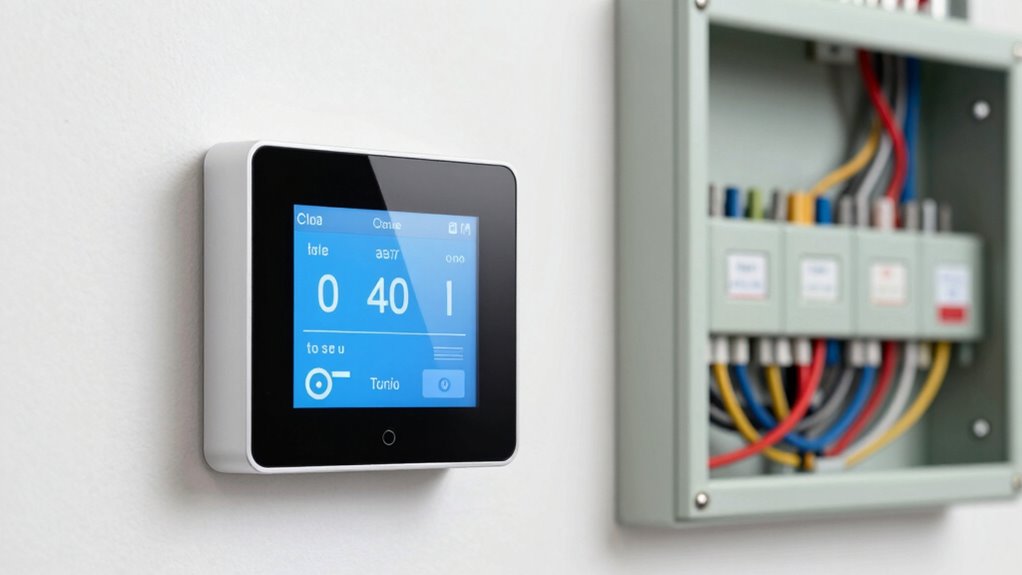
If your thermostat doesn’t have a C-wire, you still have several options to guarantee your smart thermostat functions properly. You can choose from various solutions that rely on alternative power sources or wireless thermostats. These options include:
- Using a C-wire adapter or power extender
- Switching to a battery-powered wireless thermostat
- Installing a power stealing device that draws power from existing wires
- Replacing your existing thermostat with a model that doesn’t require a C-wire
- Consulting an HVAC professional to add a C-wire or suggest compatible solutions
Additionally, some power solutions are designed to work with existing wiring setups to provide reliable energy to your smart thermostat without the need for a dedicated C-wire. These options allow your smart thermostat to operate smoothly without needing a dedicated C-wire, giving you flexibility and ease of installation while maintaining reliable performance. Energy management systems often incorporate these adaptable power options to optimize home automation. For example, wireless power transfer technologies can provide a seamless power supply without additional wiring, further enhancing convenience. Moreover, power sharing methods can distribute power efficiently across multiple devices within your home. Data storage and backup gear such as optical drives and enterprise USB backups can also play a role in ensuring your home automation systems are backed up and secure.
Installing a C-Wire Adapter or Power Extender: Should You Do It?
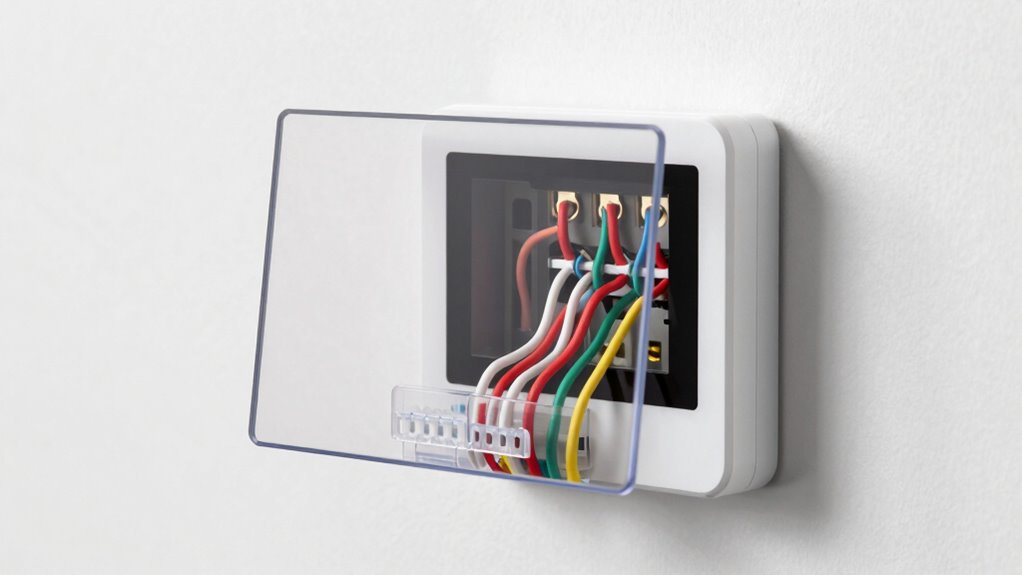
Installing a C-wire adapter or power extender can be an effective solution if your thermostat lacks a dedicated C-wire and you’re hesitant to replace your existing wiring. These retrofit solutions allow you to power your smart thermostat without rewiring, making installation simpler. While wireless alternatives, like batteries or power over Ethernet, might seem appealing, they often have limited lifespan or compatibility issues. A C-wire adapter provides a reliable power source, ensuring your smart thermostat functions consistently. If you’re comfortable with basic wiring or can hire a professional, installing an adapter is a straightforward way to avoid ongoing battery replacements. Additionally, using power management techniques can help optimize your system’s energy efficiency and performance. Properly managing cookie preferences ensures your device remains secure and your data protected during installation. Ultimately, this approach offers a secure, integrated power solution that keeps your smart home running smoothly without the hassle of extensive rewiring.
Troubleshooting Common C‑Wire and Wiring Problems During Setup?
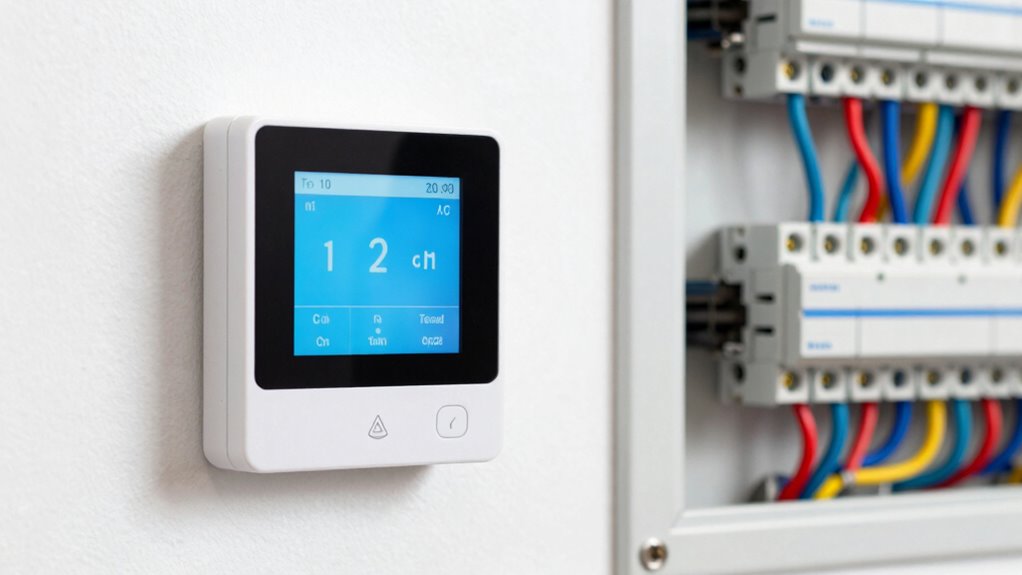
When setting up a smart thermostat, wiring issues can quickly become frustrating, especially if the C-wire isn’t properly connected or recognized. First, check the wiring connections at both the furnace and thermostat. Sometimes, the C-wire might be loose or improperly labeled. If you can’t find a C-wire, consider wireless alternatives like power adapters or using a C-wire adapter. Compatibility considerations are essential—ensure your thermostat supports your wiring setup. Other troubleshooting tips include:
- Confirming the power is on at the breaker
- Inspecting for damaged or frayed wires
- Using a multimeter to test voltage
- Consulting your HVAC system’s wiring diagram
- Verifying the thermostat’s compatibility with your system
These steps help identify wiring issues and determine if wireless solutions are suitable for your setup.
When to Call a Professional for Wiring Help and Upgrades?
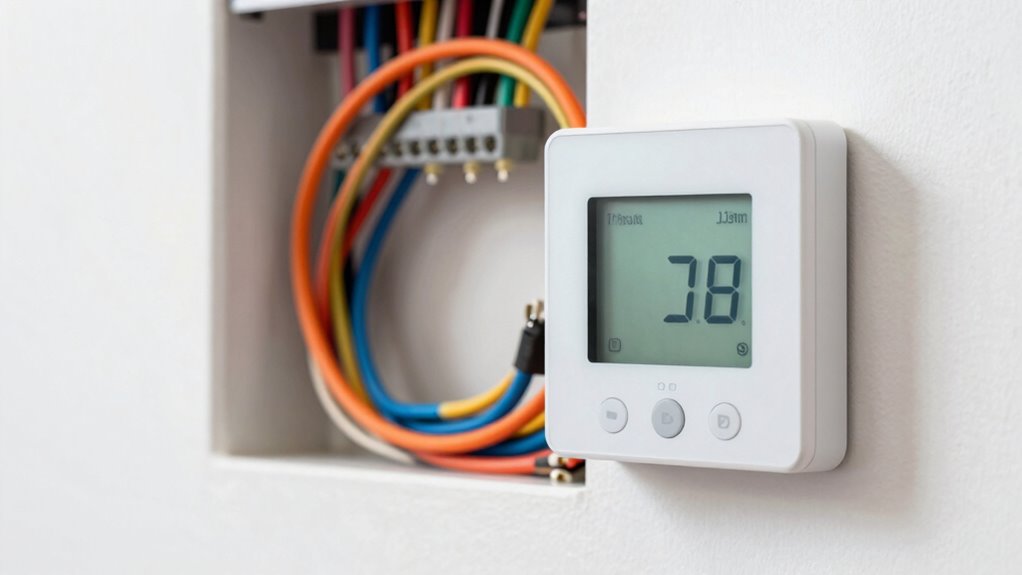
Wiring issues can become complex, and even after troubleshooting, some problems are best left to professionals. If you’re considering DIY installation, make sure you fully understand wiring safety to prevent shocks or damage. If your thermostat wiring is outdated, damaged, or if you’re unsure about connecting the C-wire or other terminals, it’s time to call a professional. Mistakes during wiring can lead to system malfunctions or safety hazards. Additionally, if your existing wiring doesn’t match the new thermostat’s requirements, upgrades may be necessary. Don’t risk compromising your HVAC system or safety—when in doubt, seek expert help. A licensed technician can ensure proper wiring, safety compliance, and a seamless upgrade to your smart thermostat.
Frequently Asked Questions
Can I Retrofit a C-Wire Into an Existing Thermostat?
Yes, you can retrofit a C-wire into your existing thermostat, but be prepared for some retrofit challenges. You might need to run new wiring or use a power extender kit for wireless compatibility. Carefully check your current wiring and thermostat compatibility before starting. If you’re comfortable with wiring, it’s feasible; if not, consider hiring a professional to ensure the retrofit is safe and effective.
Are There Wireless Alternatives to Traditional C-Wire Connections?
Yes, wireless solutions and power extenders are available as alternatives to traditional C-wire connections. You can use a power extender kit that draws power from your HVAC system, eliminating the need for a physical C-wire. Wireless smart thermostats connect via Wi-Fi, removing the C-wire requirement altogether. These options make installation easier, especially if your home lacks a dedicated C-wire, ensuring your smart thermostat functions smoothly without complex wiring.
How Does a C-Wire Impact Smart Thermostat Energy Efficiency?
Having a C-wire improves your smart thermostat’s energy efficiency by ensuring a steady power supply, which helps the device operate smoothly and maintain consistent connectivity. This stable power source supports wireless compatibility, reducing the need for batteries and enhancing energy savings over time. Without a C-wire, your thermostat may struggle with power, leading to potential inefficiencies. Installing a C-wire ultimately promotes more reliable performance and better energy management in your home.
What Safety Precautions Are Necessary When Modifying Thermostat Wiring?
Think of wiring your thermostat as maneuvering a delicate dance. You must prioritize electrical safety by turning off power before touching any wires, like pausing before stepping onto the dance floor. Follow wiring best practices by using insulated tools and double-checking connections. Always wear safety gear, and if unsure, consult a professional. These precautions keep you safe and ensure your modifications are smooth and secure.
Will Replacing My Thermostat Affect My Home’s Warranty?
Replacing your thermostat typically won’t void your home’s warranty or affect warranty coverage if you follow proper procedures. However, it’s essential to check your warranty and repair policies, as some manufacturers may have specific conditions. To stay safe, make certain you turn off power before installing, and consider hiring a professional if you’re unsure. Proper installation helps avoid damage that could impact your warranty coverage.
Conclusion
So, next time your smart thermostat isn’t quite so smart, blame the C‑wire. It’s funny how a tiny wire can cause such chaos—yet we often overlook it until things go wrong. Maybe it’s a reminder that even the smartest tech still depends on the simplest connections. After all, in the world of smart homes, sometimes the biggest solutions are just a wire away—if you’re willing to get your hands a little dirty.