
To use robot window cleaners safely and avoid stress, make sure you select certified devices with safety features like auto shut-off and strong suction. Prepare your windows by cleaning surfaces and removing obstacles. Follow setup instructions carefully, ensuring sensors work properly and safety tethers are used if needed. Regularly inspect and maintain your cleaner for ideal performance. If you stay cautious, you’ll keep both your windows spotless and your heart safe—more helpful tips await beyond this point.
Key Takeaways
- Read and follow all manufacturer instructions carefully before operation.
- Ensure the window surface is smooth, clean, and free of cracks or debris for safe use.
- Confirm sensors and obstacle detection features are clean and functioning properly.
- Use safety tethers or emergency stop functions when cleaning large or high windows.
- Regularly inspect the device, batteries, and cords to prevent malfunctions and ensure safe operation.
How Robot Window Cleaners Work and Keep You Safe
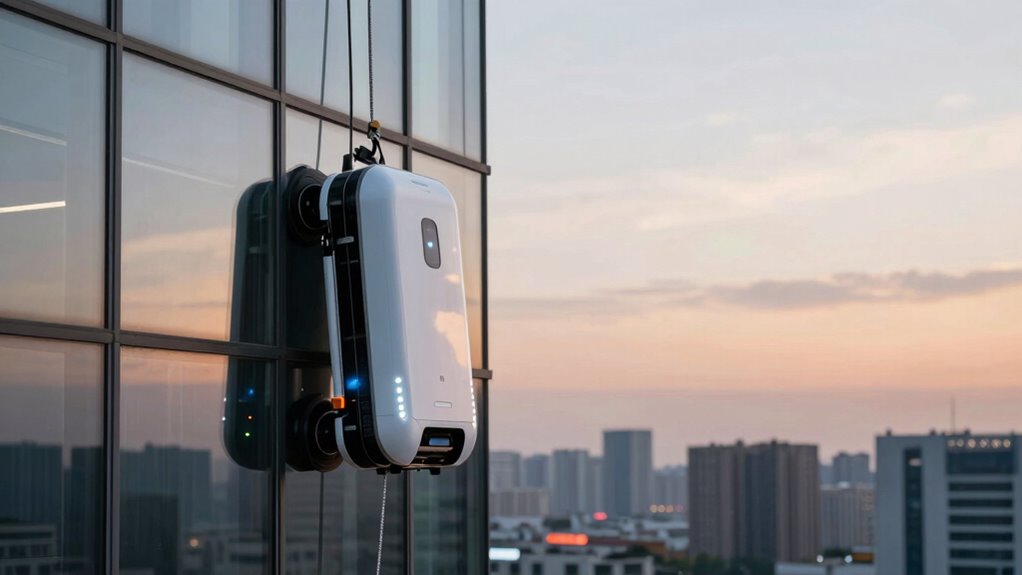
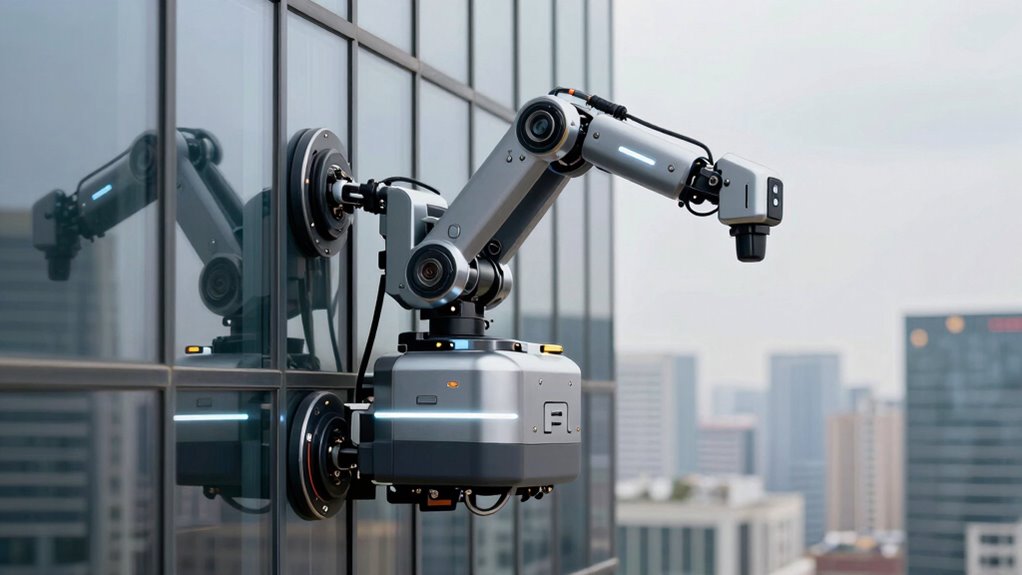
Robot window cleaners use advanced sensors and suction systems to navigate and cling securely to glass surfaces. These robots rely on sophisticated robot sensor technology to detect edges, obstacles, and surface contours, ensuring smooth movement without falls or collisions. These sensors continuously scan the environment, allowing the robot to adjust its path in real-time. Additionally, they are designed to be compatible with various cleaning solutions, ensuring effective dirt and streak removal without damaging the glass or leaving residues. Suction systems create a strong vacuum grip that keeps the robot firmly attached even in windy conditions or on vertical surfaces. Proper extension cord standards and weatherproof tool storage can also help prevent accidents during maintenance or setup. Incorporating robot safety features, such as automatic shutoff when obstacles are detected, further enhances user security. Advances in sensor technology have significantly improved the reliability and safety of these cleaning robots.
Choosing a Safe and Reliable Robot Window Cleaner
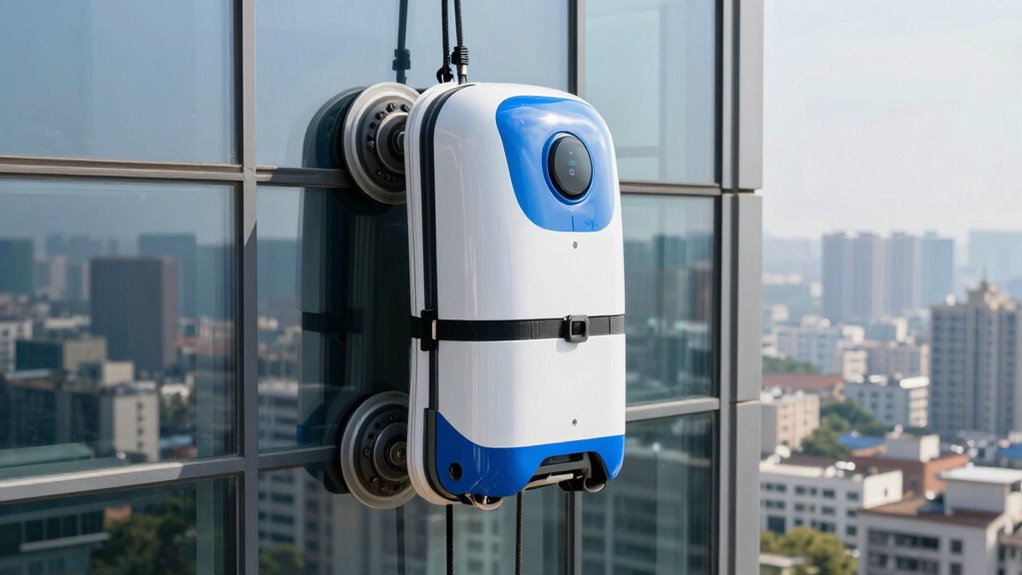
When selecting a robot window cleaner, you should check for safety certification standards to guarantee it meets safety requirements. Choosing a reliable brand can give you confidence in its performance and durability, while proper usage tips help prevent accidents. Prioritize these points to make a safe and effective choice for your home. Additionally, verifying that the device complies with safety standards ensures you are investing in a product that has been vetted for safety. Incorporating gear care tips can also help maintain the device’s optimal functioning over time. To further ensure safety, understanding product safety ratings can guide you toward the most trustworthy options. Regularly inspecting and properly disposing of old or damaged units also aligns with eco-friendly disposal tips, supporting sustainable practices. Being aware of performance benchmarks can assist in selecting a device that performs reliably under various conditions.
Safety Certification Standards
Are you confident that your chosen window cleaner meets essential safety standards? Ensuring it complies with certification standards and safety regulations is vital. First, verify that the product has been tested by recognized safety organizations like UL or CE. Second, check for clear labels indicating certification approval, confirming adherence to safety regulations. Third, review the manufacturer’s documentation for compliance certificates and safety testing reports. Fourth, consider whether the device incorporates safety features such as auto shut-off or emergency stop mechanisms. Additionally, understanding accessibility features can help you select a device that’s safer and easier to operate. Incorporating safety certification standards into your selection process ensures that the product has undergone proper validation, further reducing risks. It is also important to consider user instructions which should be clear and comprehensive to promote safe operation. These steps help you confirm that the robot window cleaner is safe to use and reliable. Moreover, selecting a device with energy-efficient features can contribute to lower operational costs and environmental impact. Being aware of home security considerations can also help in understanding how to protect your property while using such devices.
Reliable Brand Selection
Choosing a reliable brand is key to ensuring your robot window cleaner is safe and effective. A brand with a strong reputation indicates consistent quality and safety standards. Before making a purchase, check customer reviews to gauge real-world performance and reliability. Positive reviews often highlight durability, ease of use, and effective cleaning, while negative reviews can reveal potential issues. Trustworthy brands invest in quality control and safety features, reducing the risk of malfunctions or accidents. Remember, a reputable brand’s customer support can assist you if problems arise. Additionally, selecting a brand that emphasizes market growth potential and ongoing innovation can help ensure your device stays current with the latest safety features. Opting for brands that prioritize product safety certifications can further enhance your confidence in their reliability. Incorporating industry standards into your decision-making process can provide an additional layer of assurance. Recognizing the importance of brand reputation can help you make a more informed choice. Considering the latest technological advancements can also contribute to selecting a safer and more efficient device. Avoid generic or unknown brands that lack reviews or reputation, as they may compromise safety or fail to deliver the promised cleaning results. Selecting a trusted brand ultimately provides peace of mind and a safer cleaning experience.
Proper Usage Tips
To guarantee your robot window cleaner operates safely and reliably, it’s essential to follow proper usage guidelines. First, always read the manufacturer’s instructions carefully. Second, verify your window surface is smooth and free of cracks or loose paint to prevent damage during window cleaning. Third, confirm the robot technology is compatible with your window size and shape. Fourth, conduct a test run on a small section to confirm the device adheres securely. Regularly inspect the cleaning pads and replace them as needed for peak performance. Keep the area clear of obstacles and avoid using the robot on highly textured or uneven surfaces. Additionally, ensure that the surface is free of residues such as essential oils that might affect the adhesion of the robot adhesion properties. Understanding the concept of time and space can help you plan your cleaning schedule more effectively, ensuring minimal disruption. Being aware of regional window types can also assist in selecting the most suitable robot cleaner for your needs. Recognizing the importance of cultural diversity can help you choose a model that best suits your specific environment and preferences. Familiarizing yourself with the local regulations concerning window cleaning can prevent potential legal issues. Following these tips helps you select a safe, reliable robot window cleaner and ensures efficient, streak-free window cleaning.
Preparing Your Windows and Environment for Safe Use
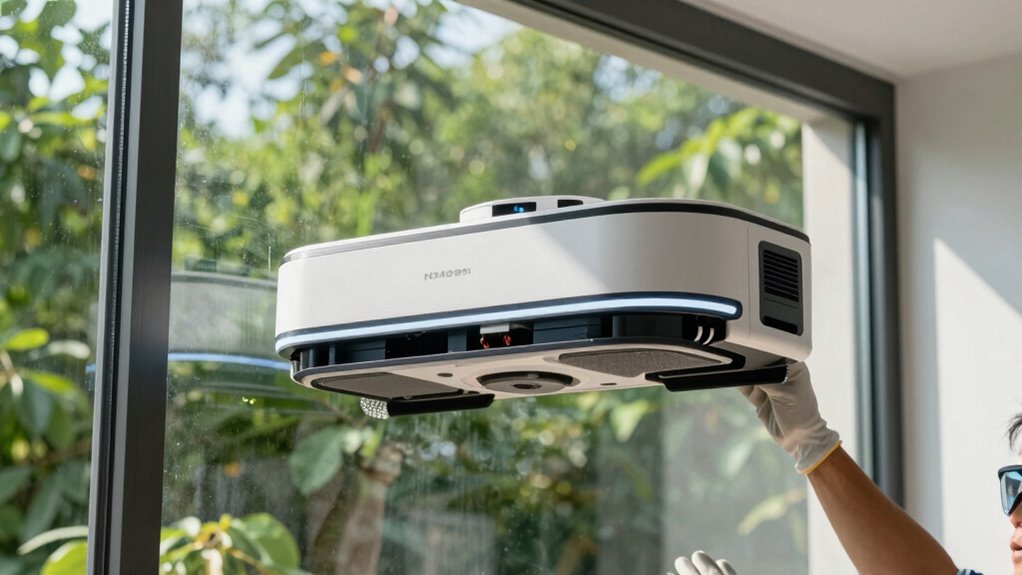
Before operating your robot window cleaner, it’s essential to thoroughly prepare your windows and surrounding environment to guarantee safe and effective cleaning. Check the window frame for stability and any signs of damage or looseness, as these can affect the robot’s grip and safety. Ensure the glass type is compatible with your cleaner; some models work best on smooth, non-porous surfaces. Clear the area around the window of any obstacles, such as furniture or fragile objects, to prevent accidents. Remove any loose debris or dirt from the surface to avoid clogging the cleaner’s brushes or sensors. If your window has tinted or special glass, verify that your robot is suitable for that type to prevent damage. Proper preparation minimizes risks and promotes ideal cleaning results. Additionally, understanding cabling solutions can help manage power cords and prevent tripping hazards during operation.
Step-by-Step: Setting Up and Launching Your Robot Cleaner
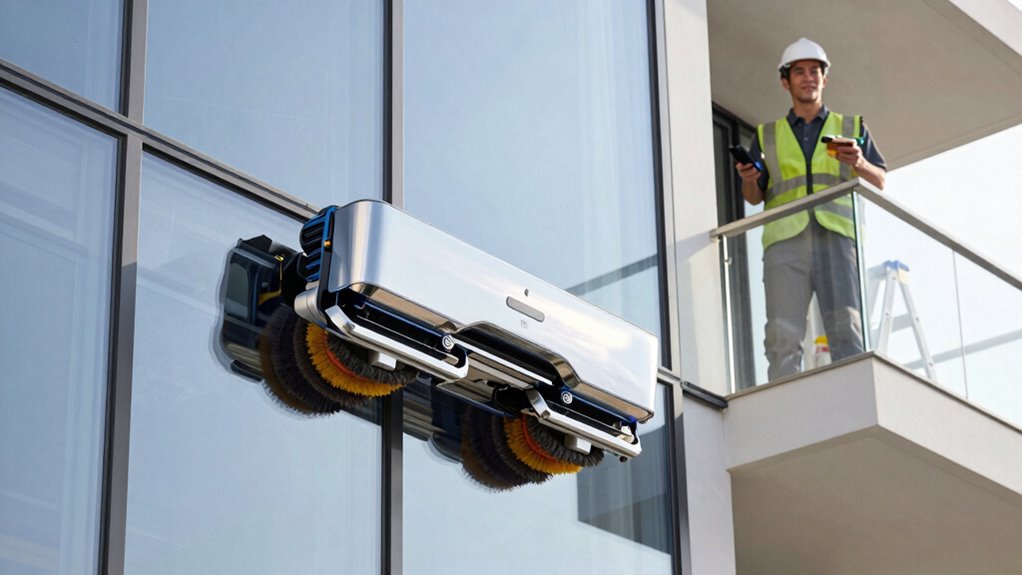
Start by positioning your robot window cleaner at the base of the window, ensuring it’s aligned with the designated starting point. Turn on the device and use the remote control to activate it. Next, follow these steps:
- Set your preferred cleaning schedule via the app or remote, choosing times that suit your routine.
- Confirm the device’s Wi-Fi connection to enable remote control operation.
- Attach the safety tether if required, especially for high or large windows.
- Press the start button on the remote or app to launch the cleaner, closely monitoring its initial movement.
Ensure the area is clear of obstacles, and keep a close eye during the first run. Proper setup guarantees safe and efficient cleaning without surprises.
Troubleshooting Common Problems Safely

If your robot window cleaner isn’t working properly, start by checking the power supply to make sure it’s plugged in and charged. Be cautious of obstacles that could block its path, and remove them safely before restarting. Regularly maintain the battery to keep your cleaner performing at its best and avoid unexpected issues.
Power Supply Checks
When troubleshooting power supply issues with your robot window cleaner, the first step is to verify the power source is functioning correctly. Start by checking power outlet compatibility—ensure the outlet matches your device’s voltage requirements. Next, test the outlet with another device to confirm it supplies power. If using a surge protector, make sure it’s plugged in properly and not overloaded, as this can interrupt power. Additionally, consider plugging the cleaner directly into a wall socket to eliminate potential issues caused by surge protectors. Finally, inspect the power cord for damage or loose connections. If problems persist, try a different outlet or replace the surge protector. These steps will help you safely identify whether the power supply is causing the issue.
Navigating Obstructions Safely
After confirming your robot window cleaner is receiving power, it’s important to guarantee it can safely navigate around obstacles on your windows. Proper obstacle detection is essential to prevent accidents or damage. Make sure the robot’s sensors are clean and functioning correctly, and test its ability to recognize common obstructions like window frames or dirt spots. If the cleaner encounters an obstacle, it should automatically slow down or change direction. Always be ready to perform an emergency stop if needed—press the designated button or use the app to halt operation instantly. Regularly check for sensor malfunctions or obstructions that might interfere with obstacle detection. By ensuring these safety features work properly, you reduce risks and keep your window cleaning routine smooth and safe.
Battery Maintenance Tips
Maintaining your robot window cleaner’s battery is essential for reliable operation and safety. Proper battery health depends on following correct charging protocols and regular checks. To optimize performance:
- Always use the charger provided by the manufacturer to prevent damage.
- Avoid letting the battery fully discharge before recharging.
- Charge the battery in a cool, dry place to prevent overheating.
- Inspect the battery periodically for swelling or corrosion and replace if needed.
Following these tips ensures your battery remains in good condition, extending its lifespan. Regular monitoring and proper charging habits help prevent issues like reduced runtime or sudden power loss. Remember, a well-maintained battery is key to safe, efficient cleaning.
Maintaining Your Robot Window Cleaner for Safety and Longevity
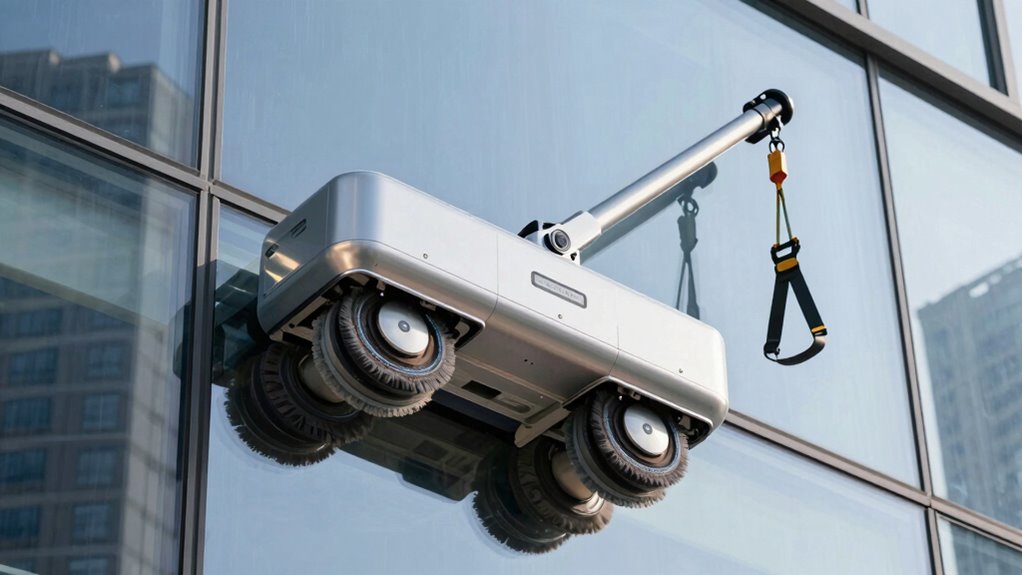
To guarantee your robot window cleaner stays safe and works efficiently over time, regular maintenance is essential. Establish a consistent cleaning schedule to remove dust, dirt, and streaks that can hinder performance. Check and clean the brushes, sensors, and suction cups regularly to prevent buildup that could cause malfunctions. Proper storage tips also help prolong your device’s lifespan—store it in a cool, dry place away from direct sunlight and extreme temperatures. Before storing, ensure the cleaner is fully dry and free of debris. Keep the charging contacts clean to avoid poor connections. Following these steps minimizes wear and tear, maintains safety, and ensures your robot window cleaner continues to deliver spotless windows effortlessly.
Frequently Asked Questions
Can Robot Window Cleaners Handle Extremely High or Delicate Windows Safely?
Robot window cleaners can handle high-rise safety and delicate glass handling if you choose models designed for such tasks. Look for those with advanced sensors, secure anchoring, and gentle cleaning modes. Always guarantee proper installation and regular maintenance. When used correctly, these robots can safely clean extremely high or delicate windows without risking damage or accidents, giving you peace of mind while maintaining a spotless view.
What Should I Do if the Robot Gets Stuck or Falls During Operation?
Think of your robot as a tightrope walker—if it gets stuck or falls, act quickly. First, perform a manual rescue by disconnecting the power and carefully retrieving it. To prevent falls, always check the safety cables and anchors beforehand. If it’s stuck, don’t panic; calmly follow the manufacturer’s instructions for safe removal. Regular maintenance and inspection will keep your robot steady and avoid emergency situations.
Are There Specific Safety Features to Prevent Electrical Shocks?
Your robot window cleaner has safety features to prevent electrical shocks, ensuring electrical safety during use. It includes insulated cords, grounded plugs, and waterproof seals that protect you from shock prevention hazards. Always check for these features before operating, and avoid handling the device with wet hands. By following these safety measures, you minimize the risk of electrical accidents and keep your cleaning experience safe and worry-free.
How Do Weather Conditions Affect the Safe Use of Robot Window Cleaners?
Weather conditions greatly impact your safe use of robot window cleaners. Always check weather safety before operating; avoid using them during rain, strong winds, or storm precautions to prevent accidents. Wet conditions can cause slipping or electrical issues, while storms may lead to the device falling or malfunctioning. Wait for clear, calm weather to guarantee your robot cleaner works effectively and safely, protecting both you and your home.
Can Children or Pets Accidentally Activate or Interfere With the Robot?
Children or pets can accidentally activate or interfere with your robot window cleaner. To guarantee child safety, always keep kids and pets away when the robot is in use or turn it off and store it safely afterward. Use safety features like child locks if available. Supervising your pets and children around the cleaner minimizes pet interference and prevents accidents, keeping everyone safe while maintaining your windows spotless.
Conclusion
With the right robot window cleaner, you can enjoy spotless windows without risking your neck. Just follow the steps, choose a reliable model, and keep safety in mind—think of it as having a trusty sidekick that keeps your view crystal clear. Regular maintenance and troubleshooting ensure it stays your safe, silent partner. So go ahead, let technology do the climbing, and watch your windows shine brighter than ever—without breaking a sweat or your heart.