If your Roborock Q7 M5+ robot vacuum isn’t connecting to WiFi, it can disrupt your cleaning schedule and app control. This guide provides practical, step-by-step solutions to resolve common WiFi connectivity issues safely and effectively.

Get cleaning gear delivered free with Prime
- Fast, free delivery on millions of items
- Prime Video, Amazon Music and more included
- Member-only deals all year
Before troubleshooting, ensure your WiFi network is stable and your device is within range. Follow these instructions carefully to restore your vacuum’s connection without risking damage or voiding your warranty.
Key Takeaways
| Check WiFi Compatibility | Ensure your WiFi network operates on 2.4GHz, as many Roborock models do not support 5GHz. |
| Restart Devices | Power cycle your vacuum, router, and smartphone to refresh connections. |
| Update Firmware & App | Make sure your Roborock app and vacuum firmware are up to date. |
| Reset Network Settings | Reset WiFi settings on the vacuum and reconnect to your network. |
Step 1: Confirm WiFi Compatibility and Signal
- Verify your WiFi network is 2.4GHz, as Roborock devices typically do not support 5GHz bands.
- Ensure the vacuum is within 10-15 feet of the router for a strong signal.
Step 2: Restart and Reset Devices
- Power off your Roborock vacuum and unplug your router, wait 30 seconds, then power them back on.
- Open the Roborock app, remove the device from your account, then add it again.
Step 3: Reconnect WiFi in the App
- In the app, go to device settings and select ‘Network’ or ‘WiFi Settings.’
- Follow prompts to connect to your WiFi network, entering the password carefully.
The Products in This Guide

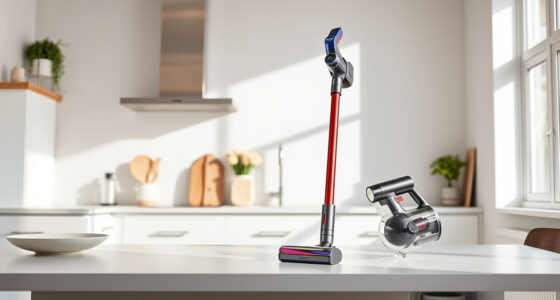
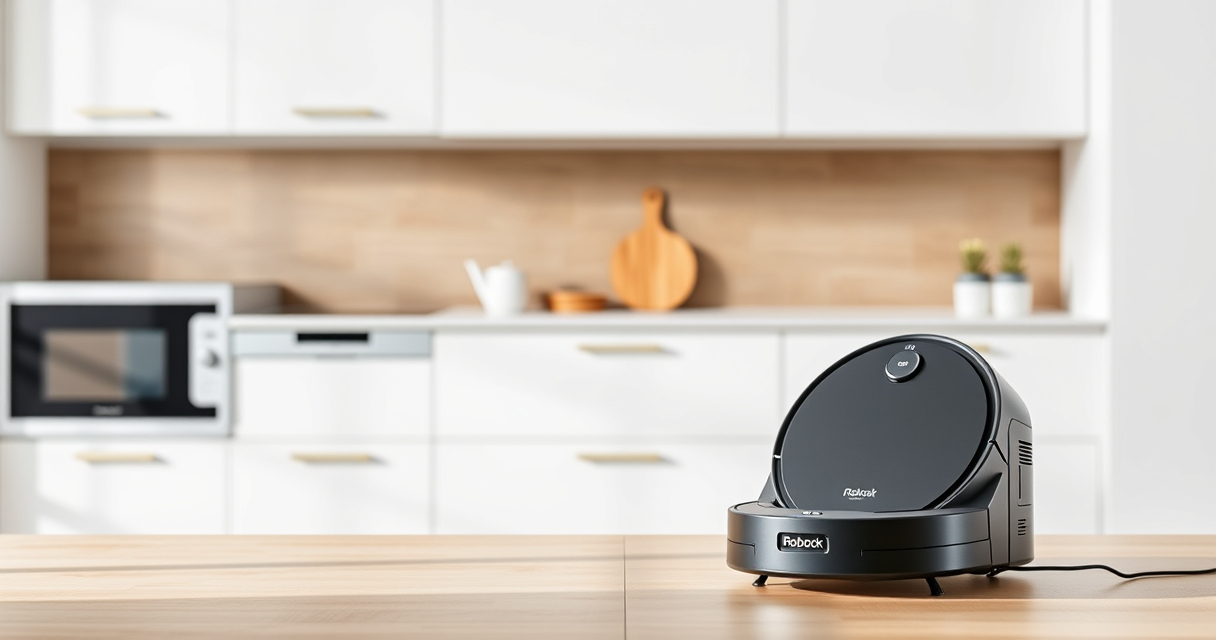
roborock Q7 M5+ Robot Vacuum and Mop
- ✔ Self-Emptying: Yes
- ✔ Pet Hair Handling: Dual Anti-Tangle System
- ✔ Control: App

4 Pack Washable Filter
- ✔ Filter Type: HEPA
- ✔ Reusable: Yes
- ✔ Pack: 4
roborock Q7 M5+ Robot Vacuum and Mop
The Roborock Q7 M5+ offers advanced navigation, strong suction, and a self-emptying dock, making it a top choice for hassle-free cleaning. Ensuring WiFi connectivity is key to maximizing its features.
Pros:
- Up to 7-9 weeks self-emptying
- Powerful 10000Pa suction
- PreciSense LiDAR navigation
- App control and scheduling
Cons:
- Requires stable WiFi connection
- Setup can be complex for some users
- May need firmware updates
Best for: Homeowners seeking a high-performance, self-emptying robot vacuum with app control
Not ideal for: Users with unreliable WiFi networks or minimal smartphone use
Bottom line: Ensure your WiFi setup aligns with the vacuum’s requirements for seamless connectivity.
4 Pack Washable Filter
This washable HEPA filter replacement fits various Roborock models, including the Q7 series, helping maintain optimal filtration and airflow.
Pros:
- Easy to install
- Reusable and washable
- Maintains filtration efficiency
- Compatible with multiple models
Cons:
- Requires regular cleaning
- Not OEM, but performs well
Best for: Users wanting to improve filtration and reduce replacement costs
Not ideal for: Those seeking OEM-certified filters only
Bottom line: A cost-effective way to keep your vacuum’s filtration system in top shape.
Frequently Asked Questions
Why won’t my Roborock connect to WiFi?
Common reasons include incompatible WiFi bands, weak signal, outdated app or firmware, or incorrect network settings.
How can I improve WiFi connection stability?
Place the robot closer to the router, ensure your network is 2.4GHz, and minimize interference from other devices.
Should I reset my WiFi settings on the vacuum?
Yes, resetting network settings and re-adding your device often resolves connectivity issues.
Is firmware update necessary for WiFi issues?
Updating the vacuum’s firmware through the app can fix bugs and improve connectivity stability.
Getting Your Roborock Back Online
By following these troubleshooting steps, you can resolve most WiFi connection issues with your Roborock Q7 M5+. Ensuring your network settings are compatible and devices are properly reset will help restore seamless app control and cleaning performance. Don’t forget to keep your firmware and app updated for the best experience.
Affiliate disclosure: As an Amazon Associate we earn from qualifying purchases. Prices and availability are accurate as of the time of publishing.
Columbus Day / Indigenous Peoples' Day Picks
long weekend sales
As an affiliate, we earn on qualifying purchases.