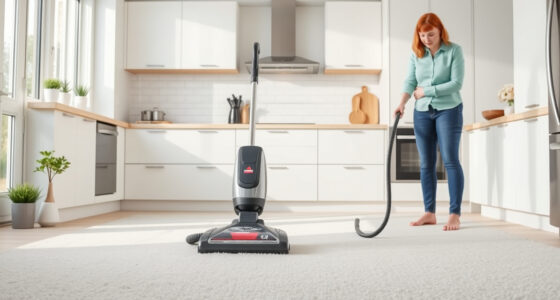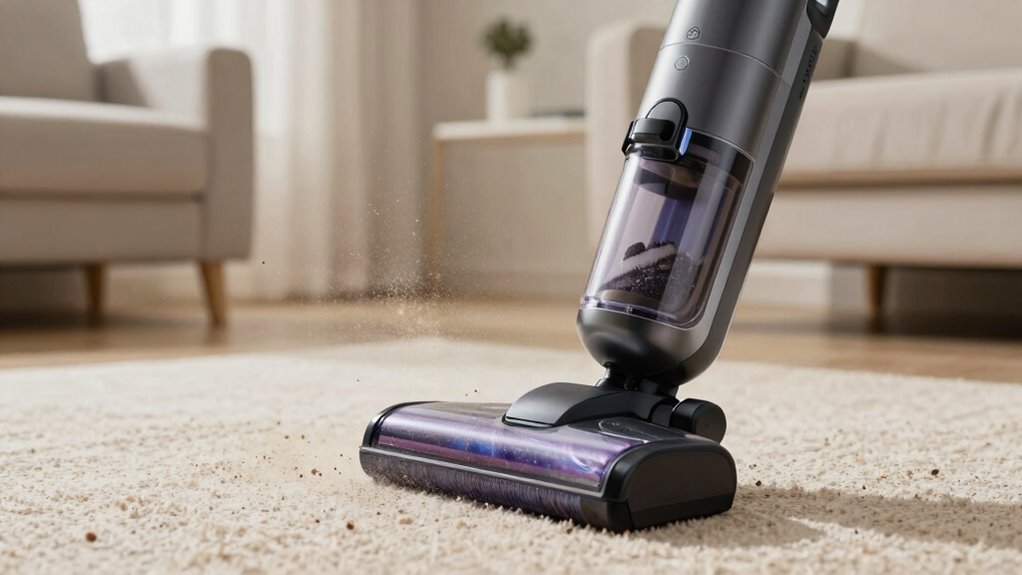
If your vacuum is spreading dust around, it’s likely due to damaged seals, clogged filters, or improperly assembled parts. Dust can escape if the dustbin isn’t sealed tightly or if filters are dirty, reducing filtration efficiency. Loose hoses or connections also cause leaks, allowing dust to disperse during operation. Regularly inspecting and maintaining these components helps prevent dust from spreading. To find out exactly what’s causing the issue, keep exploring these common problems.
Key Takeaways
- Damaged or improperly sealed dustbin can cause dust to escape during operation.
- Clogged or dirty HEPA filters reduce filtration efficiency, allowing dust to spread.
- Incorrect assembly or loose connections create gaps for dust leakage.
- Cracks or tears in hoses or seals compromise the vacuum’s dust containment.
- Lack of regular maintenance and part replacement leads to system inefficiencies and dust dispersion.
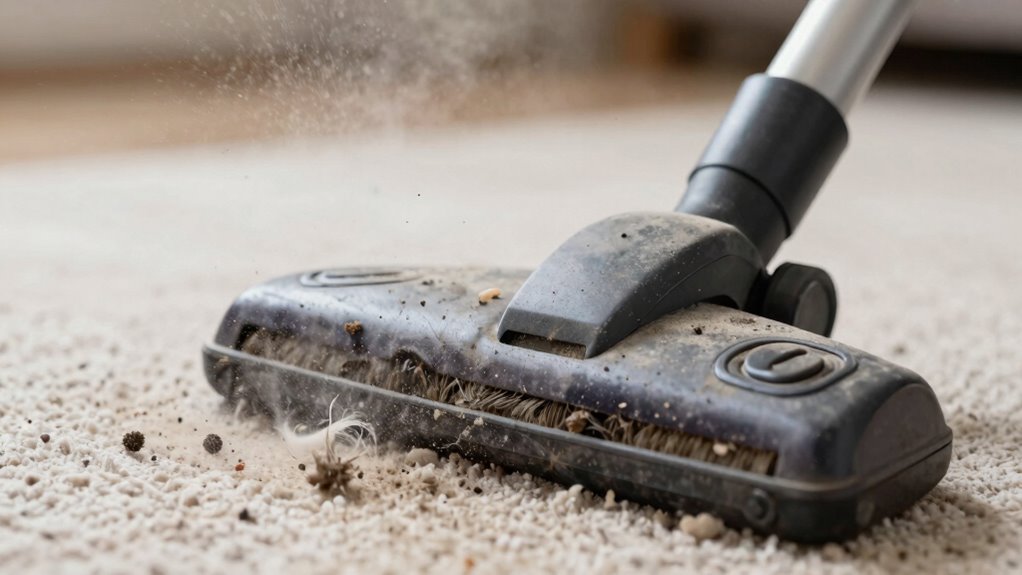
If your vacuum seems to be spreading dust instead of cleaning it up, there’s likely a hidden issue with the machine. This problem often stems from a few key factors, especially if your vacuum uses a bagless design or features HEPA filters. Understanding how these components work can help you troubleshoot and fix the issue effectively.
First, if your vacuum has a bagless design, dust and debris are collected in a canister or dustbin. Over time, this can get clogged or improperly sealed, causing dust to escape back into the air instead of being contained. If the dustbin isn’t emptied regularly or if the seals are damaged or loose, dust can leak out during operation. Make sure to empty the dustbin frequently and check that all seals and gaskets are intact and tightly secured. If you notice cracks or tears, replacing the dustbin or seals can prevent dust from escaping.
Regularly empty and seal your dustbin to prevent dust from escaping during vacuuming.
Next, HEPA filters play an essential role in trapping tiny particles, including allergens and dust mites. If these filters become clogged or damaged, they lose their effectiveness, and dust can bypass the filtration system entirely, spreading back into your living space. Check your vacuum’s HEPA filter regularly; if it looks dirty or clogged, replace or clean it according to the manufacturer’s instructions. Some HEPA filters are washable, but only if specified, so following the guidelines ensures they maintain their filtration efficiency. Proper filter maintenance is crucial for preventing dust dispersion. Additionally, understanding the filtration system of your vacuum can help you identify potential weaknesses that lead to dust leakage, especially in models with complex airflow paths. Regularly inspecting and maintaining these components can significantly reduce dust spread.
Another common cause of dust spreading is improper assembly or loose connections. If parts of your vacuum aren’t fitted correctly — such as the hose, filter cover, or dustbin — dust can escape during vacuuming. Ensure all components are securely attached and properly aligned. Also, inspect the hose for cracks or holes, as these can substantially reduce suction and allow dust to escape. Regularly checking these connections can prevent unexpected leaks and maintain optimal performance. Properly assembled parts help to maintain the sealed environment necessary for effective dust containment.
Finally, poor maintenance can lead to dust dispersion. Regularly cleaning the filters, emptying the dustbin, and checking for damage can greatly improve your vacuum’s performance. Additionally, regular maintenance of your vacuum’s components helps prevent dust leaks and ensures optimal operation. If you notice persistent dust spreading despite these measures, it might be time to replace certain parts or consider upgrading to a model with better filtration and sealing capabilities. Keeping all parts in good condition is vital for dust containment and overall efficiency.

2 + 4 Pack Filters for Shark Vacuum Navigator Lift Away Filter Replacement ZU503AMZ NV350 NV351 NV352 NV355 NV356E NV357 NV360 NV370 UV440 UV540, Parts XFF350 XHF350
- Compatible with Multiple Shark Models: Fits various NV and UV series models
- Valuable Multi-Pack Set: Includes foam, felt, and HEPA filters
- High-Efficiency HEPA Filters: H13 true HEPA for effective air purification
As an affiliate, we earn on qualifying purchases.
As an affiliate, we earn on qualifying purchases.
Frequently Asked Questions
How Often Should I Replace My Vacuum Filter?
You should replace your vacuum filter every 3 to 6 months to maintain ideal air filter maintenance and dust trapping efficiency. Regularly changing the filter prevents dust buildup and guarantees your vacuum performs well. If you notice a decrease in suction or increased dust escaping, it’s a sign to replace the filter sooner. Proper maintenance keeps your home cleaner and your vacuum running efficiently for longer.
Can Vacuum Bags Affect Dust Circulation?
Yes, vacuum bags can affect dust circulation. If your bag material isn’t designed to trap fine dust particles effectively, dust accumulation can escape back into the air. Low-quality or full bags may allow dust to leak through, spreading allergens and debris around. To prevent this, use high-quality, sealed bags and replace them promptly when full. Proper bag choice and maintenance help keep dust contained and improve your vacuum’s performance.
Is It Better to Vacuum or Sweep First?
It’s better to sweep first before vacuuming. Sweeping helps loosen dust and dirt, making your vacuum’s job easier. If you use a bagless vacuum with good dust retention, you’ll prevent dust from escaping back into the air. Sweeping reduces the amount of debris the vacuum needs to handle, minimizing dust circulation. This way, your home stays cleaner, and your vacuum operates more efficiently without spreading dust around.
Do Vacuum Height Settings Impact Dust Spreading?
Yes, vacuum height settings do impact dust dispersion. If your vacuum is set too low, it can disturb dust particles and spread them into the air instead of trapping them. Conversely, setting the vacuum to the right height allows it to effectively pick up dust without dispersing it. Adjusting the vacuum height properly helps guarantee dust stays contained, resulting in cleaner floors and better indoor air quality.
How Can I Tell if My Vacuum Is Functioning Properly?
You can tell if your vacuum works properly by checking airflow efficiency—if it’s weak, suction might be compromised. Listen for consistent, strong sounds during operation and look for airflow blockages. Also, regularly maintain your brush; a clean, well-maintained brush ensures peak cleaning. If suction drops or airflow seems hindered, it’s time to clear clogs, replace filters, or service the brush to restore proper functioning and prevent dust from spreading.

Dust Bin Top Fixed Sealing Ring Compatible with Dyson V11 V15 SV14 SV15 SV22 Vacuum Cleaner Dust Bucket/Dirt Cup Replacement Parts, Vacuum Cleaner Repair Accessories
- Compatibility: Fits Dyson V11, V15, SV14, SV22 models
- Material Quality: Made of durable, high-quality materials
- Sealing Performance: Ensures better sealing and dust containment
As an affiliate, we earn on qualifying purchases.
As an affiliate, we earn on qualifying purchases.
Conclusion
Just like Icarus flew too close to the sun, your vacuum might be risking more harm than good if it’s spreading dust instead of removing it. Take a moment to inspect and maintain your machine; otherwise, you’re chasing shadows in a never-ending loop of dust and frustration. Remember, a well-cared-for vacuum is your loyal ally in the battle against dirt—don’t let it become a modern-day Icarus, soaring too high and falling short.

Multipurpose Vacuum Line Kit,6PCS 5Ft Vacuum Hose Automotive+64PCS Vacuum Line Connectors,Max 130PSI Silicone Hose for Variety Car Piping System Automotive Replacement Vacuum Hoses (70PCS)
- Complete Set with Multiple Sizes: Includes 6 hoses and 64 connectors
- High-Quality Silicone Material: Temperature resistant from -40°F to 392°F
- Durable and Pressure Resistant: Withstands up to 130 PSI pressure
As an affiliate, we earn on qualifying purchases.
As an affiliate, we earn on qualifying purchases.
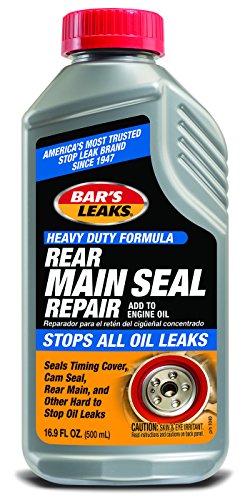
Bar's Leaks Rear Main Seal Repair, 16.9 oz
- Seals various engine oil leaks: Covers timing cover, cam, rear main
- Easy to use additive: Add directly to engine oil
- Effective leak sealing: Designed for rear main leaks, works on others
As an affiliate, we earn on qualifying purchases.
As an affiliate, we earn on qualifying purchases.