If your Roborock Q7 M5+ keeps getting stuck during cleaning, it can be frustrating and reduce your home’s cleanliness. This guide provides practical, step-by-step troubleshooting methods to resolve common issues causing your vacuum to get stuck, ensuring smooth operation and thorough cleaning.
Before starting, ensure your robot’s software is up to date and that you’re comfortable handling minor maintenance tasks. Safety is key—power off the device before inspecting or cleaning any parts.
Key Takeaways
| Check for Obstructions | Remove any physical barriers or debris blocking the wheels or sensors. |
| Inspect the Wheels | Clean and ensure wheels rotate freely without hair or dirt tangling. |
| Review Navigation Settings | Update maps or reset navigation if the robot is repeatedly stuck in the same spot. |
| Examine the Sensors | Clean sensors and ensure they are unobstructed for accurate navigation. |
| Update Firmware | Keep your Roborock app and firmware updated for optimal performance. |

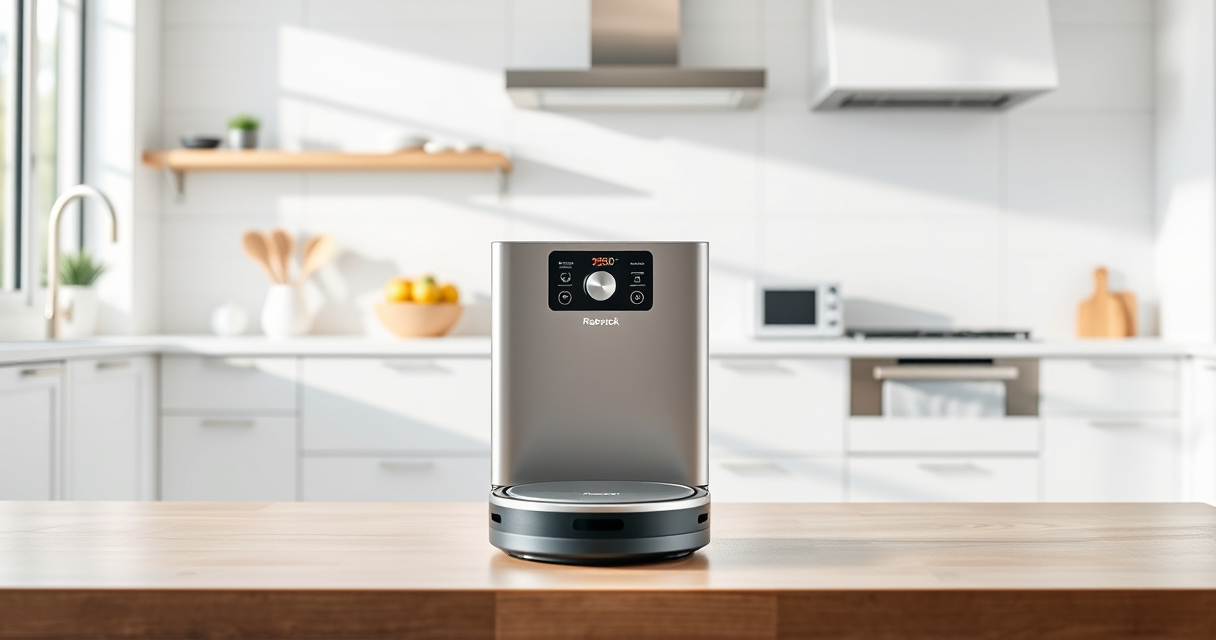
roborock Q7 M5+ Robot Vacuum and Mop, Up to 7-9 Weeks Self-Empty, 10000Pa
- Long-Lasting Cleaning: Up to 7-9 weeks with large dust bag
- Powerful Suction: 10000Pa for deep cleaning
- Tangle-Resistant Design: Anti-tangle brushes for pet hair
As an affiliate, we earn on qualifying purchases.
Step 1: Power Off and Inspect the Robot
- Press the power button or remove the charging dock to turn off the robot.
- Carefully flip the vacuum onto its back to access the wheels and underside.
- Check for tangled hair, fibers, or debris around the wheels and brush area. Remove any obstructions.
Step 2: Clean the Wheels and Sensors
- Use a soft cloth or brush to wipe the wheels, ensuring they can spin freely.
- Clean the sensors on the bottom and sides with a microfiber cloth to eliminate dust and smudges.
- Inspect the wheels for damage or excessive wear and replace if necessary.
Step 3: Check the Navigation and Path
- Open the Roborock app and review the map for any irregularities or areas where the robot gets stuck.
- If needed, reset the navigation system through the app for a fresh start.
- Remove or rearrange furniture or objects that might be confusing the robot’s sensors.
Step 4: Update Firmware and App
- Connect your robot to Wi-Fi and open the Roborock app.
- Check for firmware updates and install any available updates.
- Ensure your app is the latest version for optimal compatibility and features.
Tips and Warnings
- Always turn off the robot before cleaning or inspecting parts to prevent accidental activation.
- Regularly clean the wheels and sensors to maintain smooth navigation.
- Avoid placing objects in the robot’s path or in tight spaces that could cause it to get stuck.
- If problems persist after troubleshooting, consider resetting the robot or contacting customer support.
The Products in This Guide

roborock Q7 M5+ Robot Vacuum and Mop
- ✔ Model: Q7 M5+
- ✔ Color: Black
- ✔ Self-Emptying: Yes

4 Pack Washable Filter
- ✔ Type: HEPA
- ✔ Reusability: Yes
- ✔ Compatibility: Multiple models
roborock Q7 M5+ Robot Vacuum and Mop
The Roborock Q7 M5+ Robot Vacuum and Mop offers powerful suction and smart navigation that help prevent getting stuck, especially with its dual anti-tangle system. It’s ideal for pet owners and homes with complex layouts.
Pros:
- Strong 10000Pa suction
- PreciSense LiDAR navigation
- Dual anti-tangle system
- Long self-emptying cycle
Cons:
- Higher price point
- Requires app setup
- Limited to certain floor types
Best for: Pet owners and homes with intricate layouts
Not ideal for: Users seeking budget-friendly options or minimal maintenance
Bottom line: A reliable, high-powered robot vacuum with smart features for busy households.
4 Pack Washable Filter
This 4-pack of washable HEPA filters ensures your Roborock Q7 M5+ maintains optimal suction and air quality. Easy to replace and clean, it’s a smart upgrade for ongoing performance.
Pros:
- Effective filtration
- Reusable and washable
- Compatible with multiple models
- Easy to install
Cons:
- Requires regular cleaning
- Not OEM
- Limited to specific models
Best for: Prolonging the life of your vacuum’s filters
Not ideal for: Users seeking OEM parts or specific model compatibility outside listed models
Bottom line: A cost-effective, washable filter pack to keep your vacuum performing at its best.
Frequently Asked Questions
Why does my Roborock keep getting stuck on the same spot?
It could be due to obstructed sensors, tangled wheels, or a confusing map. Cleaning sensors, inspecting wheels, and resetting navigation often helps.
How often should I clean the wheels and sensors?
Inspect and clean the wheels and sensors weekly, especially if you notice frequent getting stuck or poor navigation.
Can I reset my Roborock to fix navigation issues?
Yes, resetting the navigation system via the app can resolve recurring map or path problems. Follow the app instructions for a reset.
Is firmware update necessary for fixing bugs?
Updating firmware ensures your robot has the latest features and bug fixes, which can improve navigation and prevent getting stuck.
Keep Your Roborock Moving Smoothly
Regular maintenance, including cleaning wheels and sensors, updating firmware, and optimizing your robot’s environment, can prevent it from getting stuck. With these troubleshooting steps, your Roborock Q7 M5+ will continue to keep your floors spotless without interruption.
Affiliate disclosure: As an Amazon Associate we earn from qualifying purchases. Prices and availability are accurate as of the time of publishing.