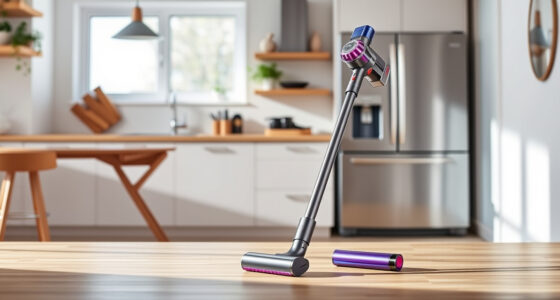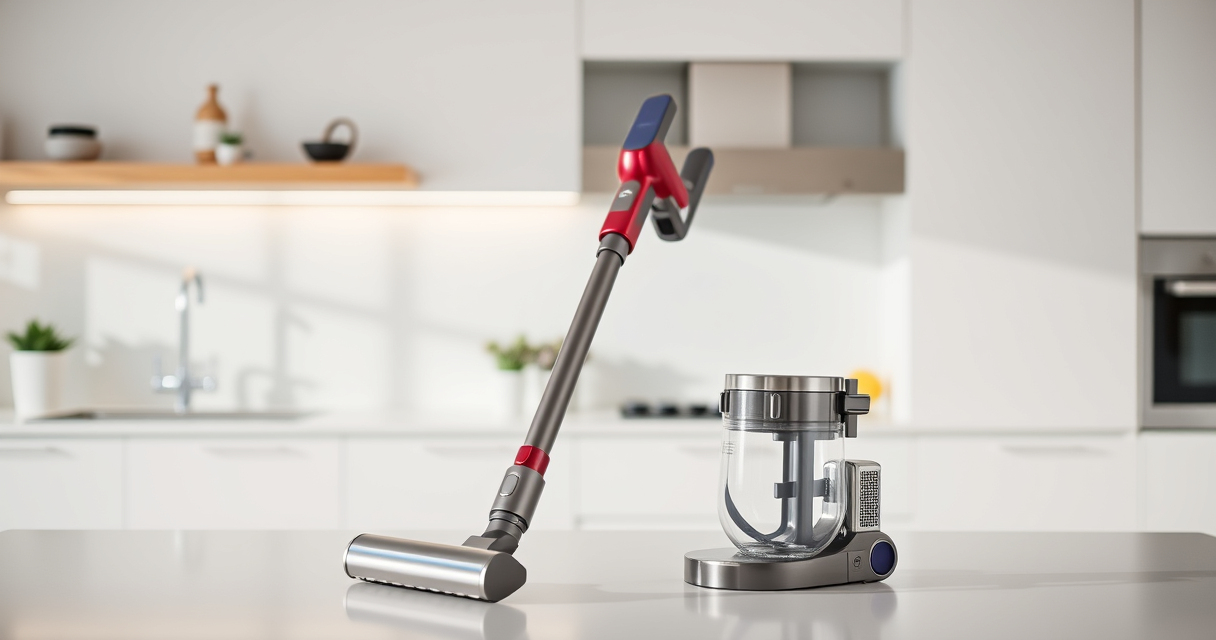

Maintaining your Dyson V15 Detect™ Origin Cordless Vacuum is essential to keep it performing at its best. Regular troubleshooting and care can resolve common issues and extend the life of your vacuum. In this guide, you’ll find clear, practical steps for routine maintenance, troubleshooting common problems, and tips to ensure your Dyson continues to deliver powerful cleaning performance.

Get cleaning gear delivered free — and shop member deals
- Fast, free delivery on millions of items
- Access to Prime Big Deal Days deals on October 6–7
- Prime Video, Amazon Music and more included
Whether you’re dealing with reduced suction, battery issues, or filter maintenance, this comprehensive guide provides safe, effective solutions grounded in the product’s features and specifications.
Key Takeaways
| Regular Filter Maintenance | Clean and replace filters to maintain suction and airflow. |
| Battery Care | Charge properly and avoid complete discharges to prolong battery life. |
| Addressing Suction Loss | Check for blockages and clean filters to restore power. |
| Cleaning Attachments & Heads | Regularly inspect and clean heads and attachments for debris. |
| Troubleshooting LCD Alerts | Follow specific steps for maintenance alerts displayed on the screen. |
Routine Maintenance: Filters and Cleaner Heads
- Turn off and unplug your Dyson V15 Detect™ before starting any maintenance.
- Remove the pre-filters by twisting them counterclockwise and rinse under water. Allow them to air dry completely before reinstalling. Replace filters every 2-3 months or as needed.
- Inspect the cleaner heads, especially the Digital Motorbar and Fluffy Optic heads, for hair or debris entanglement. Detangle and clean with a damp cloth or brush.
- Check for blockages in the wand, hose, and cleaner heads. Use a long, flexible brush or a dry cloth to clear any obstructions.
Regular cleaning of these components ensures optimal airflow, suction, and debris pickup performance.
Battery and Power Troubleshooting
- Ensure your vacuum is fully charged. Plug into a compatible outlet for at least 3.5 hours for a full charge.
- If the vacuum doesn’t turn on, verify the power trigger is fully pressed and the LCD screen shows normal operation.
- Check for battery issues if the run time is significantly reduced. Replace the battery if it no longer holds a charge after proper charging cycles.
- For persistent power issues, reset the vacuum by turning it off, unplugging, and leaving it off for 10 minutes before restarting.
Proper battery care, including avoiding complete discharges and regular charging, can extend the lifespan of your vacuum’s power source.
Dealing with Suction and Performance Problems
- Inspect the dustbin and empty it if it’s full. A full bin reduces suction power.
- Clean the filters according to the instructions above. Clogged filters are a common cause of suction loss.
- Check the cleaner heads for hair or debris that might be blocking the brush or airflow passages.
- Ensure all connections between the wand, head, and vacuum body are secure and free of obstructions.
If suction remains weak after these steps, contact Dyson support to verify if there’s a more technical issue requiring professional assistance.
LCD Screen Alerts and Maintenance Indicators
- Pay attention to the LCD screen for alerts about filter cleaning, battery, or maintenance needs.
- If the screen indicates a filter alert, remove, clean, and dry the filters thoroughly before reinstalling.
- For battery or power alerts, follow the troubleshooting steps outlined above.
- Regularly reset maintenance alerts by pressing the corresponding button or following on-screen prompts after completing service tasks.
Keeping an eye on these alerts ensures your vacuum operates efficiently and prevents unexpected breakdowns.
Additional Tips for Longevity and Safety
- Always use genuine Dyson replacement filters and attachments for the best results.
- Avoid using harsh chemicals or immersing entire units in water. Only rinse filters with water and allow them to dry completely.
- Store your vacuum in a cool, dry place away from direct sunlight to prevent battery degradation.
- Wear protective gloves when cleaning brushes and heads to avoid injury from tangled debris or sharp objects.
Following these safety tips and maintenance routines will help your Dyson V15 Detect™ last longer and perform reliably over time.
The Products in This Guide

Dyson V15 Detect™ Origin Cordless Vacuum
- ✔ Weight: 6.8 lbs
- ✔ Run Time: 60 minutes
- ✔ Charge Time: 3.5 hours

LANMU Crevice Tool Vacuum Attachments Compatible
- ✔ Length: 14 inches
- ✔ Weight: 0.8 lbs
- ✔ Material: Plastic
Dyson V15 Detect™ Origin Cordless Vacuum
The Dyson V15 Detect™ Origin offers robust suction, intelligent debris detection, and a long-lasting battery. Its features like the LCD screen and multiple heads make deep cleaning efficient and straightforward.
Pros:
- Powerful suction for all floor types
- Intelligent debris detection
- Long battery life up to 60 minutes
- Includes versatile cleaner heads
Cons:
- Higher price point
- Requires regular filter cleaning
- Battery replacement can be costly
Best for: Whole-home deep cleaning, pet owners, hard floors, carpets
Not ideal for: Light cleaning or small spaces, budget-conscious buyers
Bottom line: A top-tier cordless vacuum that combines power, intelligence, and versatility for thorough cleaning.
LANMU Crevice Tool Vacuum Attachments Compatible
The LANMU Crevice Tool offers a narrow, flexible nozzle compatible with Dyson V15 models. It simplifies cleaning in tight corners, car interiors, and behind furniture, making it an essential accessory.
Pros:
- Narrow and flexible design
- Easy to attach and use
- Great for car and home cleaning
- Compatible with many Dyson models
Cons:
- May be too slim for larger debris
- Requires careful handling to avoid damage
Best for: Reaching into tight spaces, cleaning car interiors, detailed edge cleaning
Not ideal for: Heavy debris removal, large surface cleaning
Bottom line: A versatile, easy-to-use attachment that enhances your cleaning precision.
Frequently Asked Questions
How often should I clean or replace the filters?
Rinse the filters every 1-3 months and replace them every 2-3 months to maintain optimal suction and filtration.
Why is my Dyson not holding a charge?
Ensure the vacuum is fully charged and the battery is not worn out. If the battery no longer holds a charge after proper charging, consider replacing it.
What should I do if the vacuum loses suction?
Check for a full dustbin, clogged filters, or blockages in the wand or cleaner head. Clean or replace parts as needed.
How do I reset maintenance alerts on the LCD screen?
Follow the on-screen prompts or press the reset button (if applicable) after completing maintenance tasks like filter cleaning.
Can I use non-Dyson attachments?
It is recommended to use genuine Dyson attachments for compatibility and optimal performance, but some third-party tools may work if compatible.
Keep Your Dyson V15 Detect™ Origin in Peak Condition
Regular maintenance and troubleshooting ensure your Dyson V15 Detect™ Origin continues to deliver powerful, efficient cleaning. Follow these step-by-step guidelines to address common issues and extend the life of your vacuum. With proper care, your Dyson will remain a reliable cleaning partner for years to come.
Affiliate disclosure: As an Amazon Associate we earn from qualifying purchases. Prices and availability are accurate as of the time of publishing.
Halloween Picks
halloween
As an affiliate, we earn on qualifying purchases.